Site planning, installation, testing and handover
Include site conditions, equipment and installation dates in the plan so administration, renovation and IT teams understand the sequence and dependencies.
Site and connection-point planning
Check desks, equipment locations, cable routes and site constraints, distinguishing reusable infrastructure from new work.
Delivery essentialsConnection-point and equipment lists; installation scopeInstallation and cutover planning
Coordinate schedules, site access and supplier responsibilities. For existing systems, confirm downtime and rollback arrangements first.
Delivery essentialsInstallation sequence, cutover and rollback plansConnection and function tests
Test connectivity, equipment operation and access settings within the agreed scope, recording outstanding issues and their owners.
Delivery essentialsTest records and issue follow-up listLabelling and management handover
Organise cable and equipment labels, configuration details and management responsibilities for future expansion and troubleshooting.
Delivery essentialsPoint labels, configuration and handover records
Check together at acceptance
- Installed points and equipment match the approved list.
- Key working scenarios are tested and known limitations recorded.
- Named owners manage administrator accounts, network separation and future changes.
Electrical, renovation, telecom and third-party equipment work is scoped by site conditions and contractor responsibilities. Agree testing methods and handover documents before work begins.
Coordinating refurbishment and relocation
New office projects usually involve power, furniture, removals and administration. An IT project manager can work with contractors to plan deployment around drawings, cabling routes and cutover dates.
Network and system infrastructure
- Cat5e, Cat6 and fibre cabling
- Coordination of fibre broadband and telephone line applications
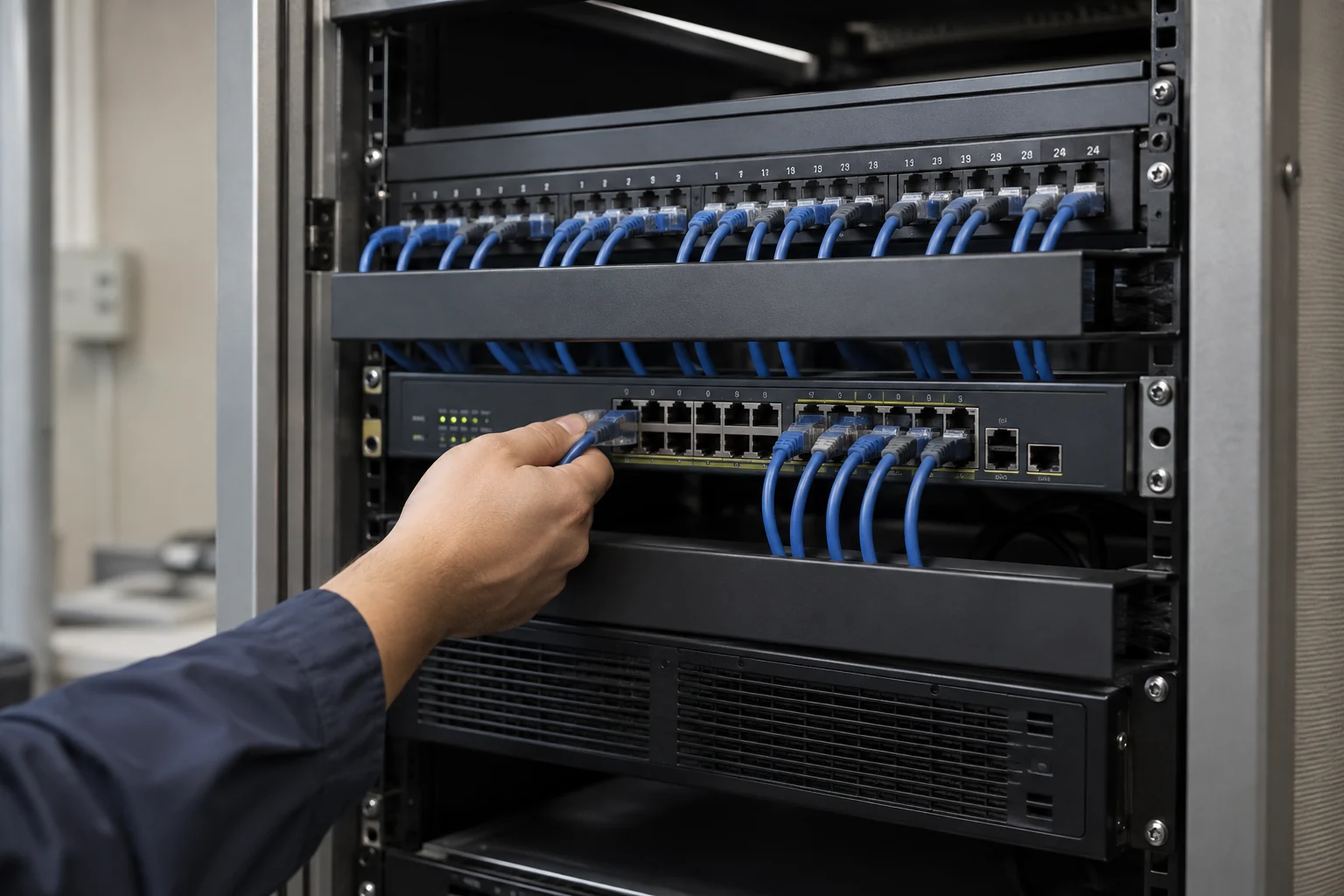
- Racks, patch panels, cable management and network equipment
- Firewalls, VPN routers and wired or wireless networks
- File, email, accounting and ERP servers with backup solutions
Integrating office equipment
- Video conferencing, projection and audio
- Computers, workstations, office and design software
- Domain and business email connections
- Copiers, document processing and printing equipment
- Access control, attendance systems, CCTV, PBX and IP phones
Acceptance and ongoing management
Test cabling, equipment and systems in stages before launch, then hand over cable diagrams, rack layouts and operating information. Confirm subsequent maintenance and support within the project and service arrangements.
From drawings to acceptance and handover
Plan IT infrastructure alongside refurbishment: confirm network outlets, racks, power and fibre routes before deploying servers, firewalls, telephony and meeting equipment. Acceptance should cover cabling, connectivity and backups, with cable identifiers, configurations and maintenance information handed over for future expansion and troubleshooting.
Information and references
Suitability and enquiry preparation
When is this service suitable?
Common needs
- An office move or renovation requires networking, telephones and IT equipment together.
- New desks, meeting rooms or devices require connection points.
- Equipment and cabling need organising for easier maintenance.
Which service do I need?
- IT infrastructure and relocation
Organise office equipment and systems.
- Network cabling
Plan cabling around desks, devices and the site.
- Server-room engineering and equipment
Discuss racks, power and the equipment environment.
Prepare for an enquiry
- General layout of the site, floors and work areas.
- Target relocation, renovation or opening date.
- Approximate desk, telephone, network and equipment points.
For an initial enquiry, describe the issue and equipment only. Do not submit passwords or verification codes. The team will arrange a secure channel for sensitive documents and incident records.
Enquire about office IT worksCybersecurity and AI useExplore security planning, responsibilities and acceptance considerations
Cybersecurity · Safe AI use
IT infrastructure and site works: security planning priorities
「IT infrastructure engineering」 includes the following security priorities; measures, tests and deliverables are specified in the proposal.
- Physical protectionPlan access restrictions and equipment protection around the site, racks, cables, power and environmental needs.
- System separationReview connections among network equipment, management interfaces and office devices; plan network segments and permissions as needed.
- Acceptance and maintenanceInclude installation tests, equipment configuration, handover and environmental alerts in engineering and maintenance scope.
AI considerationsFor AI, cloud-managed or smart sensing equipment, check data destinations, service accounts and remote-control permissions, with approvals for high-impact actions.
Planning and acceptance recordsEquipment and cabling diagrams, configuration and test records, administrator permissions and handover checklists.
You may also want to know
What information helps a small business obtain an office relocation quotation?
Provide old and new addresses, floor plans, staff and equipment numbers, the moving date, and telephone, network and server equipment to retain. Work can be phased around refurbishment, with testing and handover listed in the scope.
When should the IT team join an office relocation project?
Involve the team when preparing drawings and telecommunications arrangements. Agree cutover windows, testing and rollback plans before the move.