Development through prototypes, testing and acceptance
Turn requirements into a working prototype, then develop in stages against features and acceptance criteria, with business users involved throughout.
Requirements and working prototypes
Confirm users, workflows and data sources, try key screens, and define first-phase features and exclusions.
Stage deliverablesWorkflows, prototypes and acceptance criteriaDevelopment and scenario testing
Implement features and test roles, validation and error handling. Check interfaces and licensing for external services.
Stage deliverablesTestable releases, test records and issue logsLaunch and maintenance handover
Confirm deployment, backups, administrator accounts and operational checks, then provide usage instructions, version handover and support responsibilities.
Stage deliverablesApproved release, deployment and administration documents
Checks before handover
- Main workflows and permissions for different roles have been tested.
- Error notifications, backups and rollback are arranged.
- Source code, data, third-party costs and maintenance responsibilities are specified.
Features, timelines, source code and intellectual-property arrangements follow the project agreement. Third-party interfaces, platform approvals and AI output quality require separate verification.
Start with your documents and daily work
For organisations that need control over where data is stored, who can access it and how it is processed. Choose a measurable use case, such as internal knowledge search, document summaries or draft replies, then identify where the model, document processing, search and management tools will run.
- Knowledge search: retrieve authorised documents according to staff roles, with sources for review.
- Document processing: test summary, classification and draft quality against approved samples.
- Workflow integration: require human approval, execution records and rollback arrangements for consequential actions.
Local deployment still needs control over the full data flow
Running a model on company servers can give the organisation more control over its computing environment and data location. It does not mean the whole application is offline or protected against every data leak. Document parsing, embeddings, external APIs, cloud features, telemetry and update connections each need review.
- Restrict knowledge retrieval by department and role; test access boundaries and access removal when staff leave.
- Plan firewalls, network segmentation, administrator authentication, sensitive-data handling and key protection.
- Approve outbound destinations and verify local mode and any required offline operation.
- Test prompt injection, sensitive-data disclosure and unauthorised tool actions, with human review where needed.
Choose hardware and deployment around the workload
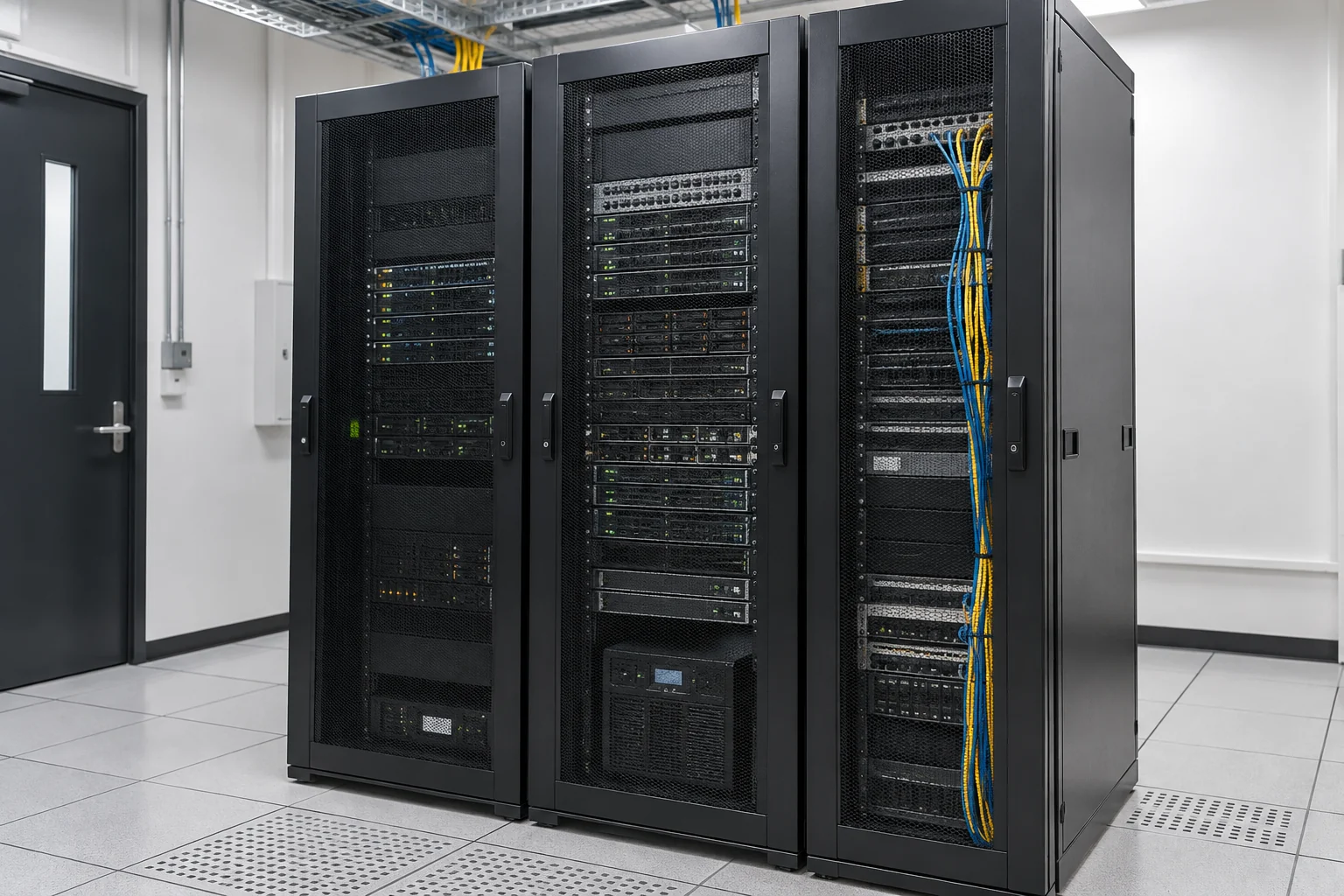
Compare company-owned servers, specified private hosting and approved hybrid deployment. Cloud GPU rental can be assessed separately, with processing regions, connections and supplier responsibilities documented. Cloud compute is not the same as computing on company premises.
- Assess GPU memory, compute and storage against model size, context length, concurrent users and response-time requirements.
- Check commercial model and software licences, language capability and compatibility with existing systems.
- Validate the configuration through practical tests before agreeing procurement, expansion, licensing and maintenance.
From a pilot to handover and ongoing management
Agree pilot data, tasks and acceptance criteria before phased deployment. Tests should cover source accuracy, access isolation, performance, external connections and recovery, as well as the quality of generated answers.
- Requirements and data inventory: record use cases, data locations, responsible owners and success criteria.
- Deployment and verification: test the model, knowledge base, access controls and network restrictions.
- Documentation and handover: provide configuration records, operating instructions, backup and restore procedures, and incident arrangements.
- Maintenance and updates: review logs, versions, access and capacity as agreed; service hours and response commitments are confirmed separately.
Services are scoped per project. Consult the selected model platform's official documentation for local mode, cloud features and network connections.
Information and references
Suitability and enquiry preparation
When is this service suitable?
Common needs
- Process internal documents in an enterprise-managed environment.
- Search knowledge by department permissions and retain answer sources.
- Control external AI connections, updates and maintenance.
Which service do I need?
- AI work assistants and knowledge search tools
Plan knowledge search and workflows.
- AI usage and business data security planning
Organise data, permissions and usage rules.
- Business data backup
Review recovery arrangements for models, documents and configurations.
Prepare for an enquiry
- Expected users, concurrent queries and main tasks.
- Document types, languages, volume and data-location requirements.
- Existing servers, GPUs, network, budget and management responsibilities.
For an initial enquiry, describe the issue and equipment only. Do not submit passwords or verification codes. The team will arrange a secure channel for sensitive documents and incident records.
EnquireLocal AI Deployment & Data SecurityCybersecurity and AI useExplore security planning, responsibilities and acceptance considerations
Cybersecurity · Safe AI use
Software development and integration: security planning priorities
「Local AI Deployment | Enterprise Knowledge and Data Security」 includes the following security priorities; measures, tests and deliverables are specified in the proposal.
- Data and sign-inArrange authentication, data access and approvals around users and workflows, with clear purposes for company, development and test data.
- Integration and recordsCheck external interfaces, accounts and licensing, protect credentials, and plan logs for important actions, errors and changes.
- Testing and recoveryTest normal operation, invalid input and permission boundaries. Confirm release, backup, shutdown and rollback arrangements before deployment and maintenance handover.
AI considerationsAI queries must follow authorised data and user permissions. Restrict tool read/write access and retain human approval for important operations. Test malicious instructions in external content, data leakage and incorrect results.
Planning and acceptance recordsRequirements and acceptance checklist, software version, function and permission tests, deployment documents, and administration and maintenance responsibilities.
You may also want to know
Does local AI deployment guarantee that data cannot leave the organisation?
No. Document parsing, search, external APIs, telemetry and update connections need review alongside the model. Access controls, network restrictions and operating procedures must be tested. The design and test plan should document processing boundaries and approved external connections.
Do we have to buy an expensive GPU server first?
A focused pilot can test the model and workload before hardware is chosen. Configuration depends on concurrent users, document volume, response times and budget. Reusing existing equipment, adding a GPU or using specified hosting all require validation.
Does local deployment include training a large model from scratch?
An available model combined with enterprise knowledge retrieval can usually be assessed first. Fine-tuning or training is separate work, requiring its own review of data rights, compute, testing and costs. It is not automatically included in deployment.