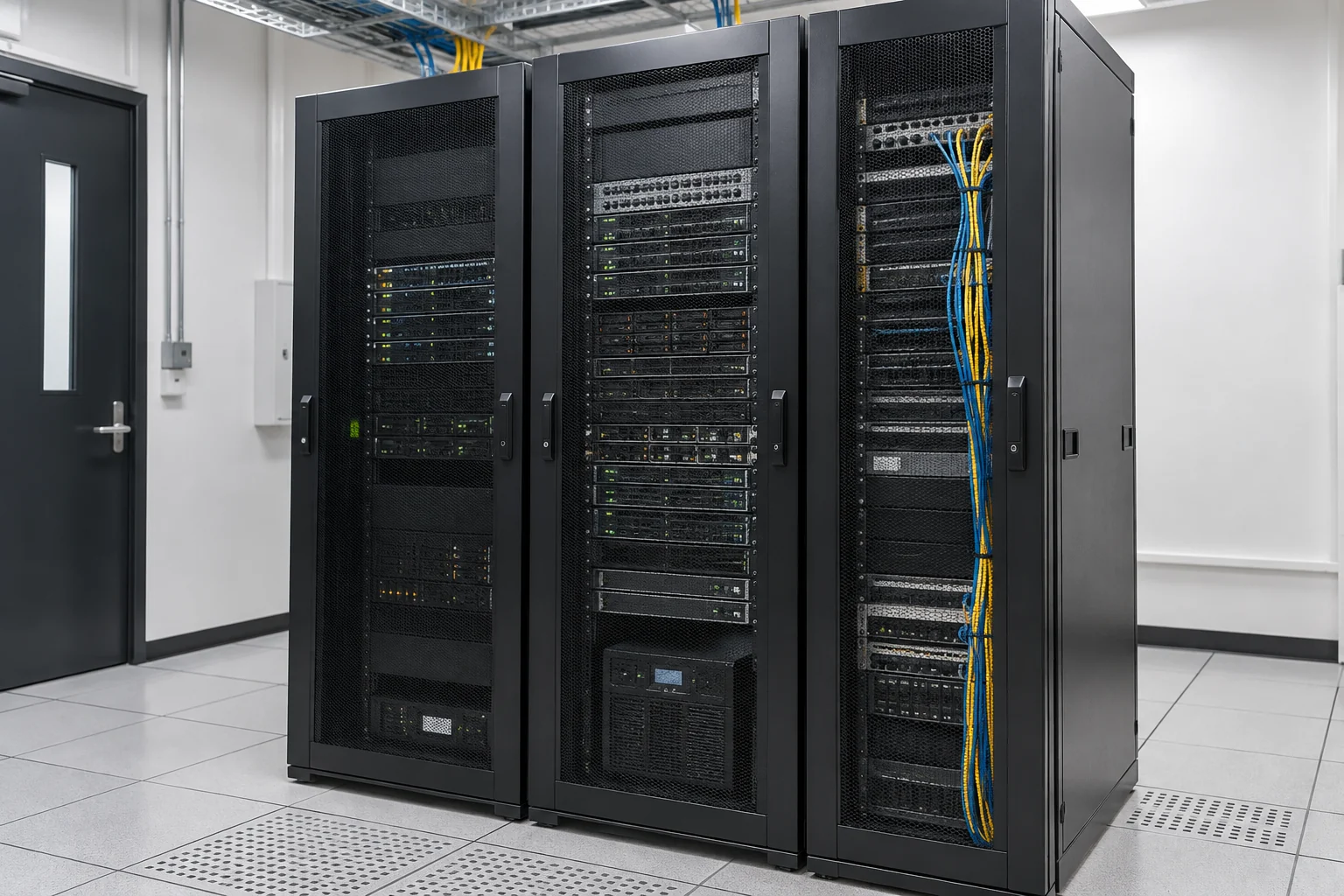
Identify the data your business cannot afford to lose
Start with everyday files, email and business systems to decide what needs protection first. Backup arrangements should reflect data volumes, change frequency and the amount of data loss and downtime the business can tolerate.
- Customer documents, finance, design and shared working files.
- Server, email and business-application backups, with vendor responsibilities identified.
- Existing copy locations, schedules and the most recent successful restore.
Manage backup copies separately
A business backup plan can assess local NAS, off-site storage, isolated or immutable copies and the suitability of solutions such as Veeam. Products, licences, data locations and connectivity must fit actual needs. Synchronised folders still need appropriate version retention, independent copies and restoration arrangements.
- Separate everyday access from backup-administration permissions.
- Arrange offline, isolated or immutable copies to reduce the risk of all copies being affected together.
- Protect backup connections, storage and administrator accounts.
- Understand storage locations and data flows involving third-party services.
Use restore tests to establish practical recovery procedures
Restore tests should check whether files can be retrieved, systems restored and staff work resumed. Use the results to discuss recovery time, data integrity, responsible people and operating steps. Backups can reduce data loss, but still need access controls and everyday security; they do not eliminate data leakage or every ransomware risk.
Prepare data and downtime requirements
For an initial enquiry, provide capacities and data types rather than real customer files. Test data and access arrangements can be agreed separately.
- Systems, data types, volumes and daily changes to be backed up.
- Existing storage, backup software, schedules and data locations.
- Acceptable data loss, downtime and the work to restore first.
- Data-location or contractual requirements, existing vendors and available testing periods.
Service scope, hours and fees are subject to the agreed proposal.
Information and references
When is this service suitable?
Common needs
- Important files lack central backup, raising concerns about deletion or equipment failure.
- Backups exist, but successful recovery has not been confirmed.
- You want recovery priorities based on business importance.
Which service do I need?
- Business data backup solutions
Confirm data scope and backup methods.
- Server maintenance
Review system health and recovery responsibilities.
- Cybersecurity solutions
Coordinate incident handling and data protection.
Prepare for an enquiry
- Outline data types, approximate volumes and locations.
- Current backup frequency and previous restore testing.
- Acceptable data loss and downtime.
For an initial enquiry, describe the issue and equipment only. Do not submit passwords or verification codes. The team will arrange a secure channel for sensitive documents and incident records.
EnquireBusiness data backup and recovery planningCybersecurity and AI useExplore security planning, responsibilities and acceptance considerations
Cybersecurity · Safe AI use
Business backup and recovery: security planning priorities
「Business data backup and recovery planning」 includes the following security priorities; measures, tests and deliverables are specified in the proposal.
- Data and retentionConfirm systems and data to back up, storage locations, retention periods and acceptable recovery objectives.
- Backup protectionDiscuss separation of backup and production permissions, offline or isolated copies, and verify immutability against product capabilities and configuration.
- Recovery verificationPlan restore tests, alert recipients and incident approvals, with clear business and maintenance-team responsibilities.
AI considerationsFor AI workloads, define data, prompt settings, knowledge bases and tool configurations to retain. AI agents should not have permission to delete every backup.
Planning and acceptance recordsBackup scope and retention schedule, access and isolation settings, restore-test records and recovery responsibilities.
You may also want to know
With a limited budget, can we protect the most important data first?
List the files and systems that affect operations, then prioritise copy locations, isolation and restore tests. Even a small initial scope needs a responsible person and a way to check results.
Does cloud synchronisation or an external hard drive mean we have sufficient backups?
Check whether usable versions and independent copies remain after accidental deletion, account compromise or damage to the original equipment. Review retention, administrator permissions and restore results to identify gaps.
Can you guarantee immediate recovery of all data after an incident?
Recovery depends on available copies, data volumes, systems and the incident itself. Run restore tests before agreeing targets and procedures. Backup product features are not a guarantee of immediate or complete recovery.