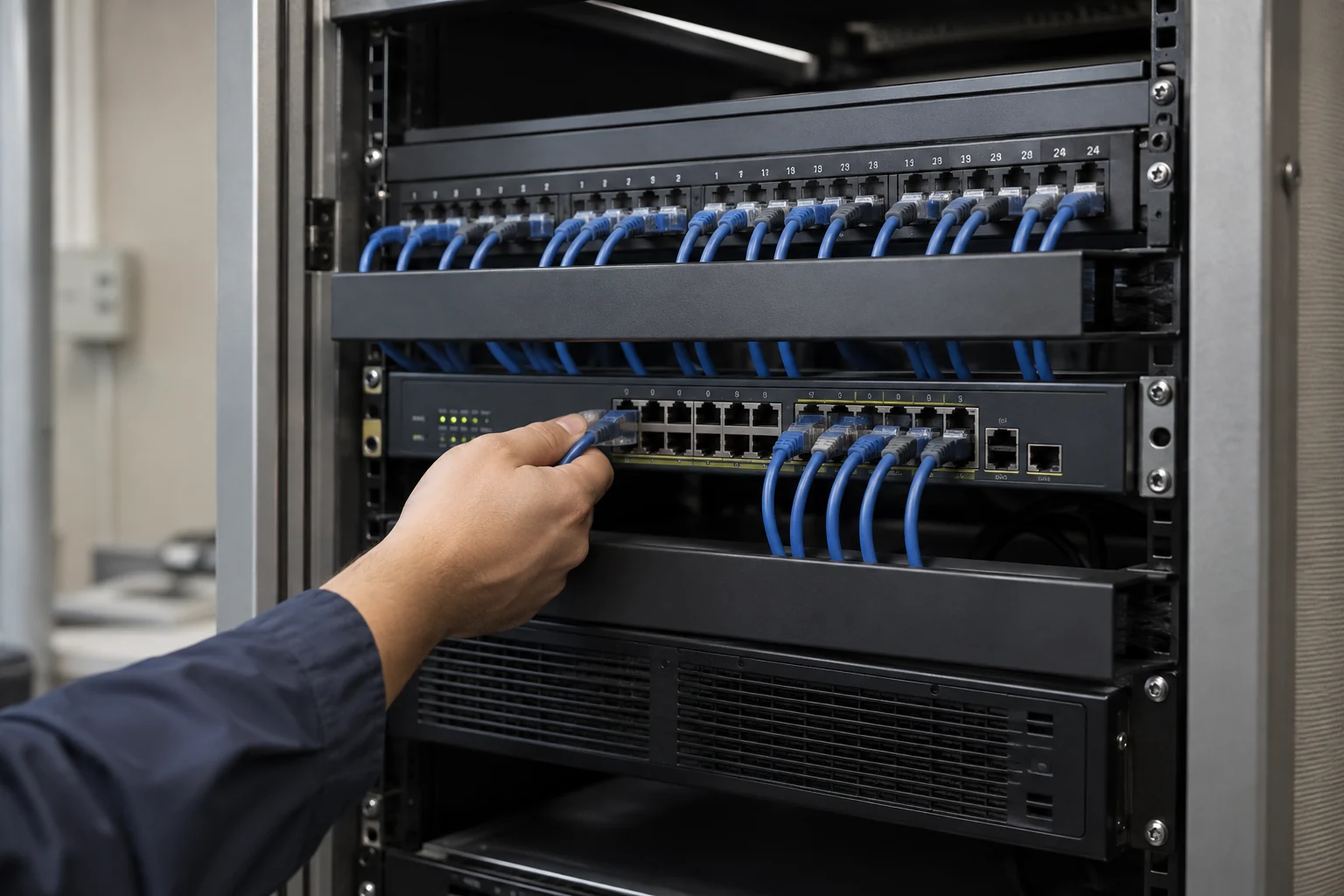
Site planning, installation, testing and handover
Include site conditions, equipment and installation dates in the plan so administration, renovation and IT teams understand the sequence and dependencies.
Site and connection-point planning
Check desks, equipment locations, cable routes and site constraints, distinguishing reusable infrastructure from new work.
Delivery essentialsConnection-point and equipment lists; installation scopeInstallation and cutover planning
Coordinate schedules, site access and supplier responsibilities. For existing systems, confirm downtime and rollback arrangements first.
Delivery essentialsInstallation sequence, cutover and rollback plansConnection and function tests
Test connectivity, equipment operation and access settings within the agreed scope, recording outstanding issues and their owners.
Delivery essentialsTest records and issue follow-up listLabelling and management handover
Organise cable and equipment labels, configuration details and management responsibilities for future expansion and troubleshooting.
Delivery essentialsPoint labels, configuration and handover records
Check together at acceptance
- Installed points and equipment match the approved list.
- Key working scenarios are tested and known limitations recorded.
- Named owners manage administrator accounts, network separation and future changes.
Electrical, renovation, telecom and third-party equipment work is scoped by site conditions and contractor responsibilities. Agree testing methods and handover documents before work begins.
Find the causes of weak signals, slow speeds and disconnections
Wi-Fi problems can involve equipment placement, interference, user numbers, cabling or broadband. Adding access points alone may not resolve them. Record affected locations, times, devices and applications to distinguish wireless coverage problems from other connection issues.
- Signal conditions in meeting rooms, corners and areas where users move.
- The effects of busy periods, video calls and concurrent users.
- Whether wired connections are also slow, and the condition of broadband and equipment.
Consider wired, wireless and guest access together
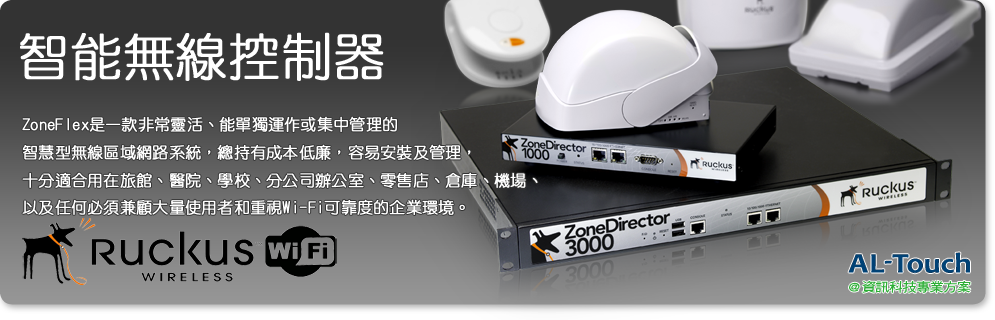
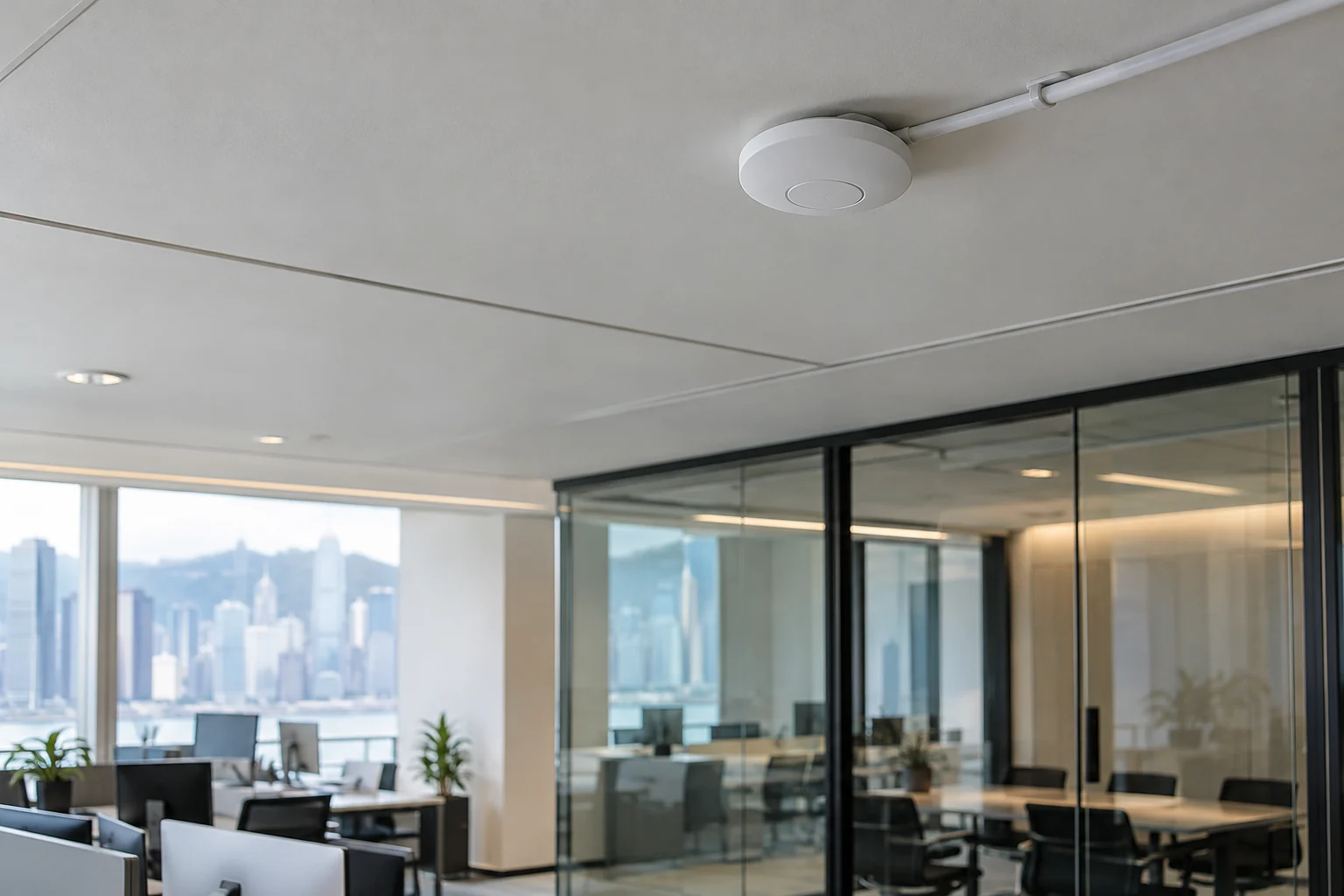
Plan business Wi-Fi, RUCKUS equipment, cabling and firewall configuration around the layout and device numbers. Review equipment that can be reused and locations that need adjustment, then arrange separate staff, guest and management access.
- Access-point locations, cabling and controller configuration.
- Separate guest and staff networks and restrict unnecessary access to business systems.
- Assign responsibility for administrator accounts, equipment updates and configuration backups.
Assess improvements through real connection tests
Before and after changes, test connections, movement and concurrent use in common locations, using everyday business applications. Assess the outcome through on-site connection and application tests. Record telecom, internal-network and application issues separately to support maintenance.
Prepare affected locations and existing equipment details
You do not need to provide Wi-Fi or administrator passwords for an initial enquiry. Start with equipment models and a description of the problem.
- Floor plans, floors, problem locations and current access-point positions.
- Staff, visitor and wireless-device numbers.
- Router, switch, access-point and broadband details.
- Common applications, affected times and available testing periods.
Service scope, hours and fees are subject to the agreed proposal.
Information and references
Suitability and enquiry preparation
When is this service suitable?
Common needs
- Poor signal at some desks disrupts meetings and file transfers.
- More colleagues or devices exceed network speed and capacity.
- You want separate access for staff, visitors and company equipment.
Which service do I need?
- Wireless networking
Discuss wireless networking around the site and capacity.
- Network cabling
Check cabling and connection points.
- Cybersecurity solutions
Discuss guest separation and network permissions.
Prepare for an enquiry
- Site size, users and main devices.
- Problem locations, timing and affected work.
- Current broadband, Wi-Fi and network equipment.
For an initial enquiry, describe the issue and equipment only. Do not submit passwords or verification codes. The team will arrange a secure channel for sensitive documents and incident records.
EnquireOffice Wi-Fi and network improvementsCybersecurity and AI useExplore security planning, responsibilities and acceptance considerations
Cybersecurity · Safe AI use
Business networking and cross-border connectivity: security planning priorities
「Office Wi-Fi and network improvements」 includes the following security priorities; measures, tests and deliverables are specified in the proposal.
- Connections and segmentationPlan routes, segmentation and permitted services around office users, guests, devices and cross-border applications.
- Management and accessCheck administration of network equipment, Wi-Fi, VPNs and dedicated circuits. Confirm encryption and identity controls against actual device and service capabilities.
- Quality and anomaliesDiscuss connection quality, configuration changes and suspicious-source monitoring, with clear telecom-provider and internal-network responsibilities.
AI considerationsWhere AI services or agents access clouds, APIs or internal systems over this network, inventory destinations, accounts and tools and restrict external or cross-segment access as needed.
Planning and acceptance recordsNetwork and routing diagrams, access policies, device configurations, connection tests and responsibility handover records.
You may also want to know
If only one meeting room has a weak signal, must we replace all the Wi-Fi equipment?
Start by examining location, cabling, interference and configuration. After testing, compare repositioning equipment, changing settings or adding an access point. Full replacement depends on the actual condition.
How can visitors use the internet without accessing company files?
We can discuss separating guest and staff networks and restricting guest access to business systems. Configuration must work across the firewall, switches and Wi-Fi equipment, with separation and normal use tested.
Will a faster broadband connection always improve video meetings?
No. Wi-Fi coverage, interference, internal equipment and applications also affect meetings. Test wired and wireless connections separately before deciding which parts need improvement.