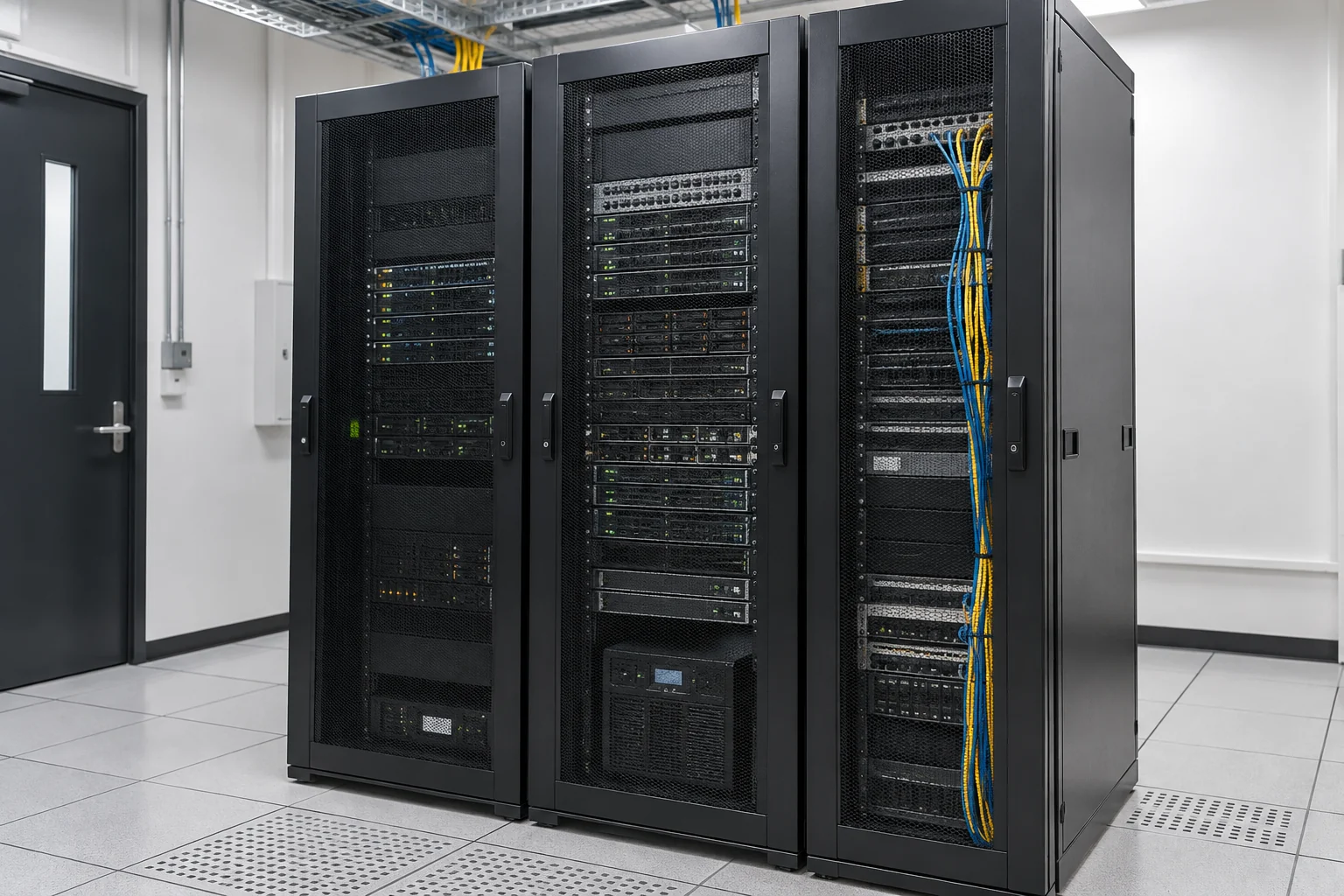
Fault follow-up, scheduled maintenance and handover
Inventory equipment and permissions, arrange fault handling, updates and routine checks, and record issues, outcomes and follow-up actions.
Inventory before takeover
Review computers or servers, key software, maintenance status and administrators, identifying existing issues affecting work.
Delivery essentialsEquipment inventory, responsibilities and outstanding issuesDaily issue follow-up
Record faults by impact, arrange remote or on-site support, and distinguish equipment, software and external-provider responsibilities.
Delivery essentialsIssue records, outcomes and next stepsUpdates and ongoing organisation
Arrange update checks, account changes and equipment reviews as agreed. Confirm backups and rollback before important changes.
Delivery essentialsChange records, inspection results and handover information
Contract and support essentials
- Which devices, locations and users the service covers.
- Service hours, response methods and urgent-issue contacts.
- Arrangements for on-site work, parts, licences and third-party charges.
Service hours, response and resolution targets, site visits and check frequency are specified in the contract. Hardware replacement, data recovery and vendor repairs depend on the circumstances.
Define onboarding, role-change and departure tasks
Coordinate computer maintenance, email and remote support to identify the equipment, software and accounts each role needs. A designated company representative approves the work, and IT follows a checklist. This helps avoid new staff inheriting former employees' accounts or personal accounts being used to manage business services.
- Joining: computer, printing, email and necessary software setup.
- Changing roles: add required access and remove permissions no longer needed from the previous role.
- Leaving: data handover, account suspension and equipment return.
Provide work-related access and separate administration
Identify which data staff need to read, change or manage. Distinguish administrator accounts from everyday accounts. Multi-factor authentication, access records and other controls depend on the existing platform; specify actual configuration and support work in the proposal.
- Use individual sign-ins and identify account and system owners.
- Organise file, email, server and remote-access permissions by role.
- Give vendors and AI tools only the read/write access needed for the task.
- Use approved methods to hand over and protect administrative information during support.

Configure, test and document against an approved checklist
Inventory existing accounts and equipment, identify duplicate, unexplained or unused access, and address issues in stages. Test necessary staff workflows after configuration and confirm that prohibited permissions remain unavailable. The company decides data retention, email handling and access-removal timing when staff leave, avoiding unapproved deletion of information needed for handover.
Prepare system details and staff-change dates
Describe requirements using role and system names initially. You do not need to send staff identity documents, passwords or verification codes.
- Email, file, business-system and remote-support platforms in use.
- Equipment and account numbers, and relevant joining or leaving dates.
- The data and operations each role needs, and current administrators.
- Data handover, retention and vendor-access arrangements.
Service scope, hours and fees are subject to the agreed proposal.
Information and references
Suitability and enquiry preparation
When is this service suitable?
Common needs
- Equipment and accounts are handled separately when new staff join.
- After departures, it is unclear which logins and permissions remain active.
- You want role-based permissions and named change approvers.
Which service do I need?
- Business computer maintenance
Coordinate staff devices and account setup.
- Business email
Organise mailboxes, administrator access and handover.
- ToDesk Enterprise
Check remote-support authorisation and revocation.
Prepare for an enquiry
- Overview of email, software and shared systems in use.
- Equipment and permissions needed by each role.
- Current onboarding, role-change and departure responsibilities.
For an initial enquiry, describe the issue and equipment only. Do not submit passwords or verification codes. The team will arrange a secure channel for sensitive documents and incident records.
EnquireAccount management for joining, changing and departing rolesCybersecurity and AI useExplore security planning, responsibilities and acceptance considerations
Cybersecurity · Safe AI use
Computer maintenance and IT support: security planning priorities
「Staff onboarding, equipment and account permissions」 includes the following security priorities; measures, tests and deliverables are specified in the proposal.
- Devices and patchingReview business computers, operating systems and software versions, arranging updates, endpoint configuration and anomaly handling as needed.
- Maintenance permissionsConfirm support accounts, remote-access methods and approvals so maintenance actions have clear accountability and records.
- Data and recoveryConfirm user-data, backup and departing-staff account arrangements, then discuss fault and security-incident priorities.
AI considerationsFor generative AI or automated support tools, define permitted uploads, accounts and tools; prevent uncontrolled access to maintenance credentials.
Planning and acceptance recordsDevice and version inventory, maintenance and change records, backup and incident responsibilities.
You may also want to know
Can we start with joining and leaving accounts without replacing every system?
Yes. Review existing platforms and permissions, then start with onboarding and access-removal checklists. Consider additional tools only after understanding current capabilities and management gaps.
Should all accounts and emails be deleted immediately when someone leaves?
Suspending access and deleting data are different tasks. The company should first decide access-removal timing, handover and retention requirements. Authorised staff can then follow the checklist; deletion should not happen without approval.
Must we give you all our passwords to discuss an account review?
No. Initially, provide the systems, account numbers and issues. Arrange necessary administrator access and work after company approval. Do not send passwords or verification codes through general forms, email or WhatsApp.