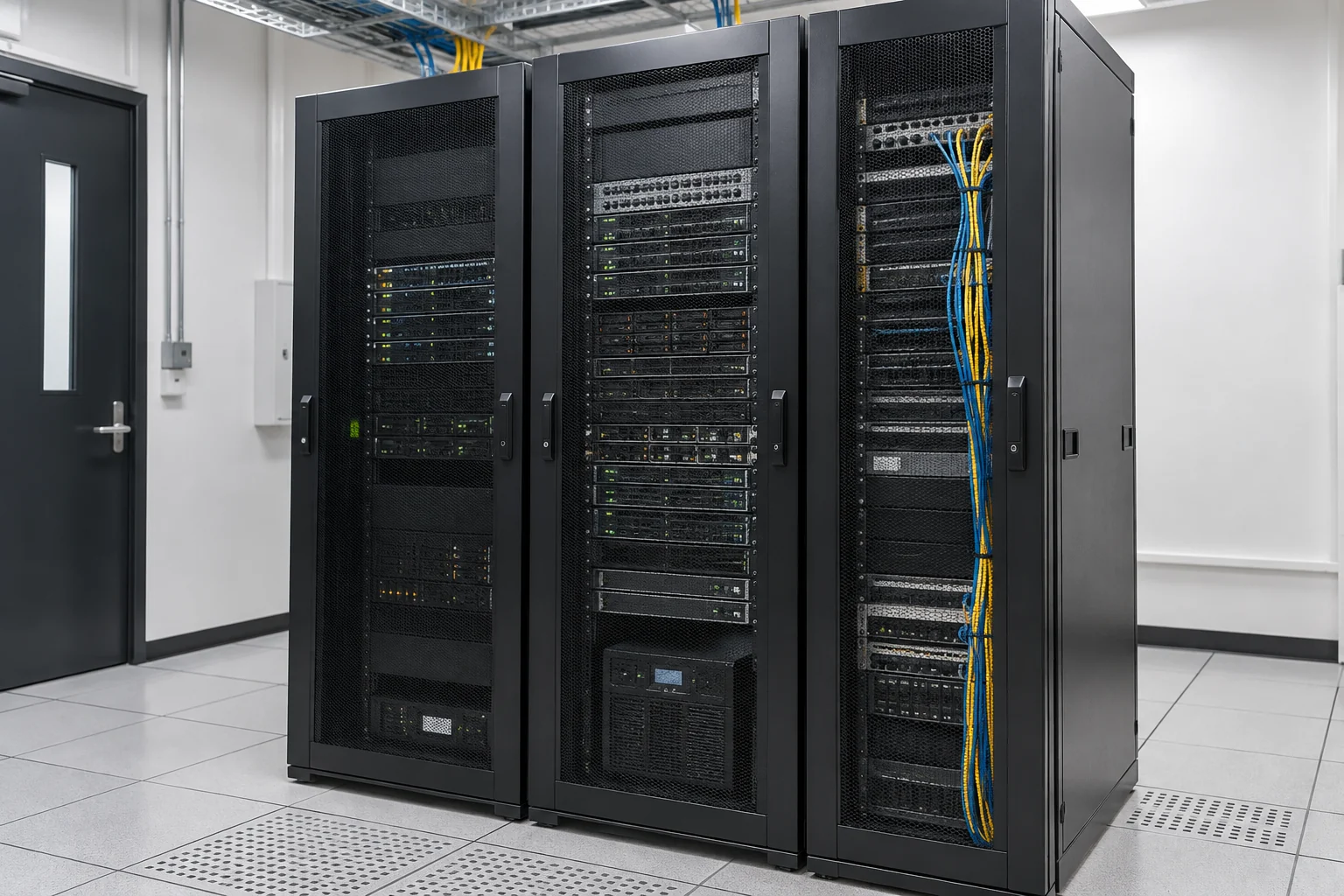
Site planning, installation, testing and handover
Include site conditions, equipment and installation dates in the plan so administration, renovation and IT teams understand the sequence and dependencies.
Site and connection-point planning
Check desks, equipment locations, cable routes and site constraints, distinguishing reusable infrastructure from new work.
Delivery essentialsConnection-point and equipment lists; installation scopeInstallation and cutover planning
Coordinate schedules, site access and supplier responsibilities. For existing systems, confirm downtime and rollback arrangements first.
Delivery essentialsInstallation sequence, cutover and rollback plansConnection and function tests
Test connectivity, equipment operation and access settings within the agreed scope, recording outstanding issues and their owners.
Delivery essentialsTest records and issue follow-up listLabelling and management handover
Organise cable and equipment labels, configuration details and management responsibilities for future expansion and troubleshooting.
Delivery essentialsPoint labels, configuration and handover records
Check together at acceptance
- Installed points and equipment match the approved list.
- Key working scenarios are tested and known limitations recorded.
- Named owners manage administrator accounts, network separation and future changes.
Electrical, renovation, telecom and third-party equipment work is scoped by site conditions and contractor responsibilities. Agree testing methods and handover documents before work begins.
Identify what must move, be reused or reconnected
Before moving, list the equipment and systems still in use, who manages them and any circuits or settings tied to the old address. Telecom providers arrange broadband and telephone services at the new address; internal cabling and equipment configuration require separate planning.
- Staff computers, printers, network devices, phones and meeting equipment.
- Servers, files, email, accounting and other business systems.
- Existing circuits, vendors, contracts and equipment-maintenance information.
Back up first and agree cutover and rollback procedures
Confirm backups of important data and a usable restore method before sequencing shutdown, transport, reconnection and testing. The company should approve server or email cutover times. Agree in advance how to pause, restore the previous arrangement or use an alternative if problems arise.
- Set priorities and acceptable disruption based on business needs.
- Record existing configuration and protect administrator accounts and backup access.
- Review staff, guest and management-network separation after the move.
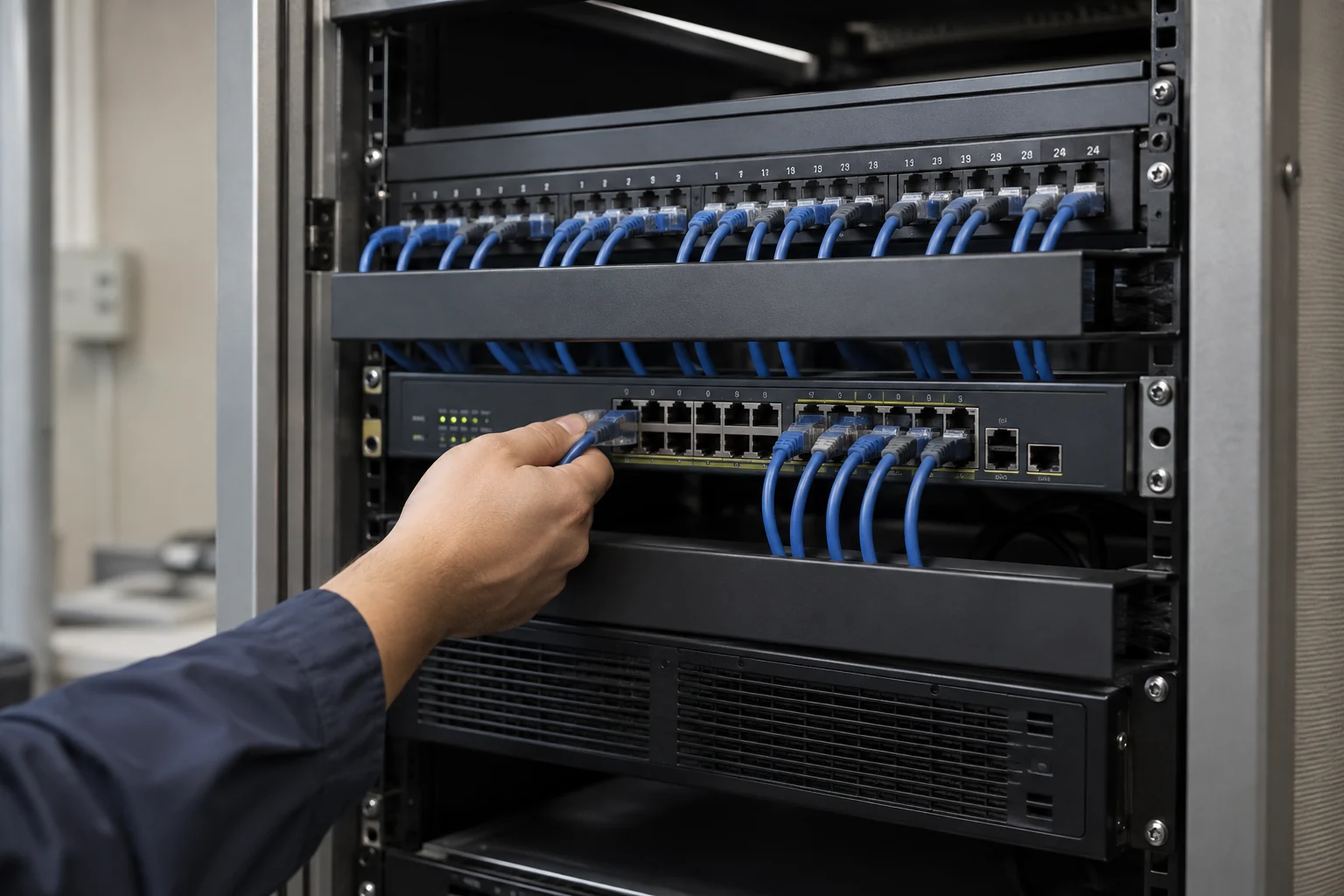
Use real staff workflows for acceptance checks
After reconnection, test internet access, printing, files, email delivery, incoming and outgoing calls and meetings. Record whether issues belong to circuits, equipment, applications or the original vendors. Hand over updated cable plans, equipment locations and follow-up contacts. Identify in advance which services may be interrupted, acceptable durations and fallback arrangements.
Prepare details of both premises and the move
Identify the systems that must be available on moving day so critical work can be prioritised.
- Old and new addresses, floor plans, moving date and intended first working day.
- Equipment and user numbers, phone numbers and systems to retain.
- Circuit installation and fit-out progress at the new site, and available downtime.
- Recent backups and contact details for existing IT and telecom providers.
Service scope, hours and fees are subject to the agreed proposal.
Information and references
Suitability and enquiry preparation
When is this service suitable?
Common needs
- You are moving offices and want to reuse suitable equipment.
- Phones, broadband, networks and computers need continuity at the new site.
- Data protection, testing and recovery preparation are needed during the move.
Which service do I need?
- IT infrastructure
Discuss relocation and equipment integration.
- Network cabling
Review new-site connection points and cabling.
- Business data backup
Confirm data protection and recovery before the move.
Prepare for an enquiry
- Old and new site overviews and main equipment inventory.
- Moving date and acceptable disruption windows.
- Broadband, telephone and existing backup arrangements.
For an initial enquiry, describe the issue and equipment only. Do not submit passwords or verification codes. The team will arrange a secure channel for sensitive documents and incident records.
EnquireOffice relocation and IT migration planningCybersecurity and AI useExplore security planning, responsibilities and acceptance considerations
Cybersecurity · Safe AI use
IT infrastructure and site works: security planning priorities
「Office relocation and IT system cutover」 includes the following security priorities; measures, tests and deliverables are specified in the proposal.
- Physical protectionPlan access restrictions and equipment protection around the site, racks, cables, power and environmental needs.
- System separationReview connections among network equipment, management interfaces and office devices; plan network segments and permissions as needed.
- Acceptance and maintenanceInclude installation tests, equipment configuration, handover and environmental alerts in engineering and maintenance scope.
AI considerationsFor AI, cloud-managed or smart sensing equipment, check data destinations, service accounts and remote-control permissions, with approvals for high-impact actions.
Planning and acceptance recordsEquipment and cabling diagrams, configuration and test records, administrator permissions and handover checklists.
You may also want to know
Must we replace all computers and network equipment at the same time?
There is no need to decide that in advance. Review equipment condition and the new premises, then separate relocation, reuse and necessary upgrades so the scopes do not become confused.
Can we keep our phone numbers and business email?
Email is not necessarily tied to the office address, but circuits, domain or server settings may need changes. Check number retention with the telecom provider, and arrange cutover, email-delivery and incoming/outgoing-call tests.
Can the move take place outside office hours?
Tell us your preferred times. The team can discuss them alongside installation, transport, telecom and existing-vendor arrangements. Working hours, cutover steps and support scope must be specified in the relocation proposal.