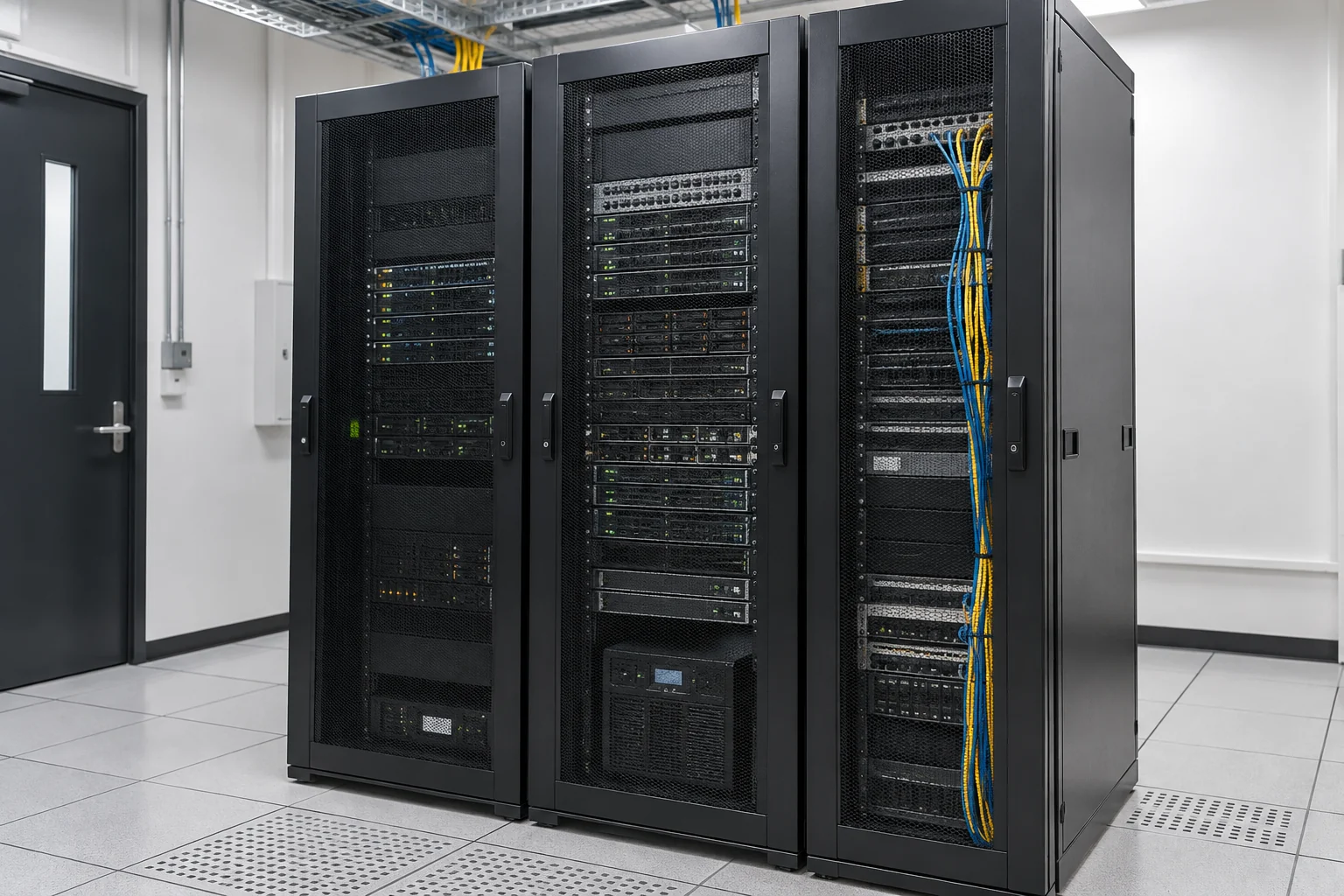
When to assess your email system
- High daily email volumes
- Insufficient storage or oversized attachments
- Frequent handling of confidential customer or company information
- Customers not receiving emails or excessive spam
- Large attachments requiring file-server integration
Planning and deployment
- Email system and server selection
- DNS record configuration
- Anti-spam settings
- Accounts and administrative permissions
- Backup and recovery arrangements
- Onsite installation and migration scoped to the project
Diagnosing problems
Review bounce messages, capacity, DNS and sending settings before deciding on changes or migration. Anti-spam filtering does not block all phishing and should work alongside account security and staff procedures.
Choose deployment around capacity and management needs
Assess daily message volume, attachments, storage, customer information and administration before choosing systems and deployment. Configure domains and DNS, anti-spam controls, permissions and backups, then test sending, receiving and recovery. For monitoring or retention, establish purposes, viewing rights and policies so settings match actual requirements.
Information and references
Related solutions and services
When is this service suitable?
Common needs
- You want company-domain email or additional staff mailboxes.
- Unreliable delivery or insufficient mailbox capacity prompts migration planning.
- You need to manage departing staff accounts, shared mailboxes or collaboration data.
Which service do I need?
- Business email servers
Discuss email deployment, delivery and administration.
- Office 365 Business
Review current business email and collaboration licensing.
- Domain and DNS management
Organise domain settings for business email.
Prepare for an enquiry
- Approximate mailbox and user count.
- Current email platform, company domain and capacity.
- Target migration or adjustment date and main issues.
For an initial enquiry, describe the issue and equipment only. Do not submit passwords or verification codes. The team will arrange a secure channel for sensitive documents and incident records.
Enquire about business emailCybersecurity and AI useExplore security planning, responsibilities and acceptance considerations
Cybersecurity · Safe AI use
Business email and collaboration platforms: security planning priorities
「Business email server solutions」 includes the following security priorities; measures, tests and deliverables are specified in the proposal.
- Identity and sign-inConfirm users, administrator accounts, sign-in controls and departure procedures, with MFA according to platform capabilities.
- Email and sharingCheck domains, DNS, email authentication and external sharing, and discuss suspicious email and attachment handling.
- Retention and supportDefine email retention, backup, alert and enquiry responsibilities, distinguishing built-in retention from independent backup.
AI considerationsFor AI assistants reading email, meetings or documents, confirm data and external-sharing permissions. Instructions within emails must not grant administration or sending authority.
Planning and acceptance recordsAccount and sharing settings, DNS and email-authentication records, retention and backup responsibilities.
You may also want to know
With only a few mailboxes, can we diagnose delivery issues before replacing the system?
Start with diagnostics: provide mailbox numbers, provider, capacity and a summary of bounce or delivery issues. Check DNS, sending settings and storage before discussing changes or migration. Do not send account passwords in an initial enquiry.
If customers often miss our emails, must we replace the server?
First investigate bounce messages, DNS, capacity and sending settings, then decide whether configuration changes or migration are needed.