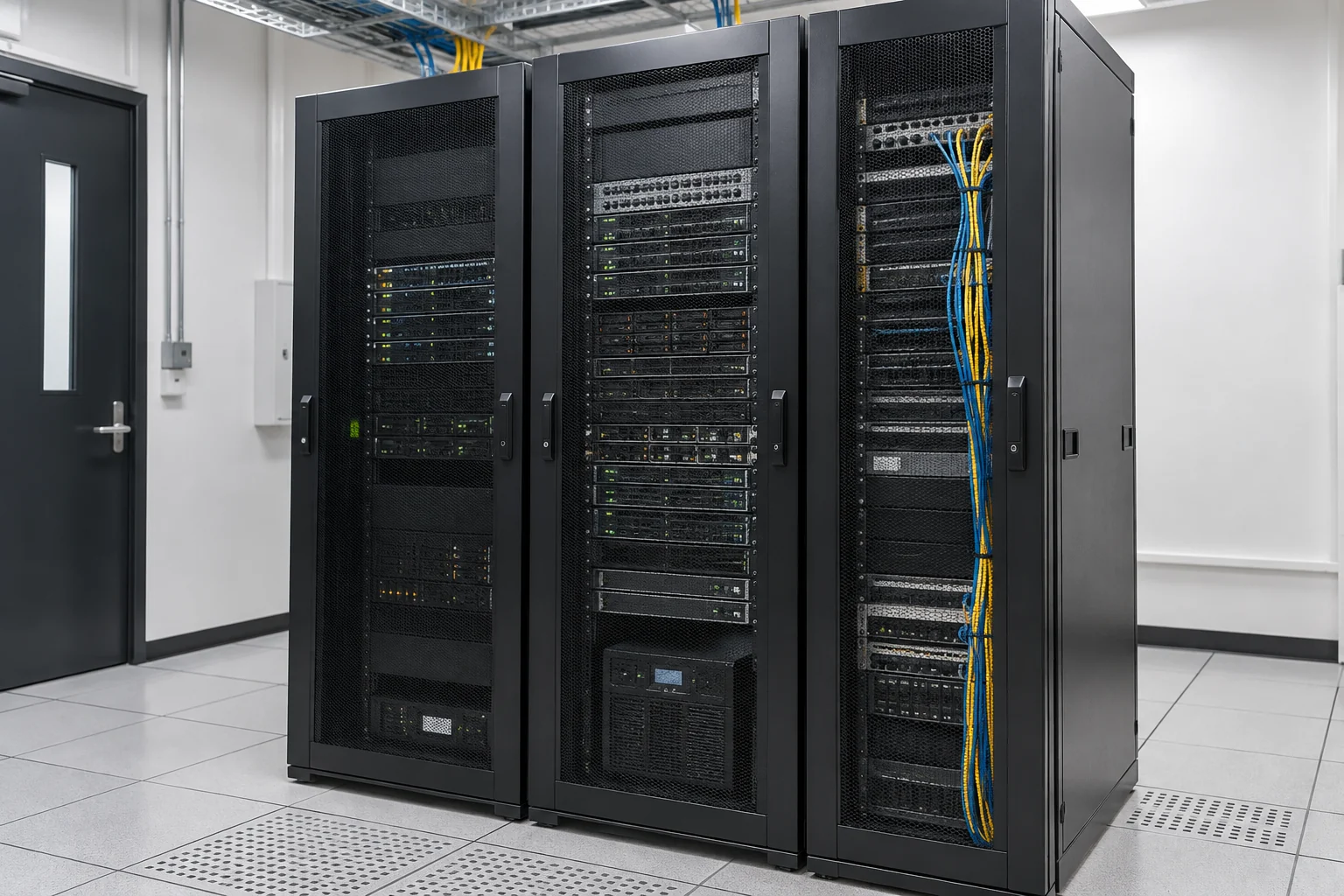
Organise resources across systems
Virtualisation allows one physical host to run multiple separate virtual machines with allocated processing, memory, storage and network resources. Review each application's workload and compatibility before deciding consolidation, host capacity and room for growth.
Sequence migration around business needs
- Inventory system versions, licences, data and external-device dependencies.
- Build a test environment to check applications, network segmentation and user access.
- Prepare backups, a changeover window and a rollback plan before migrating in phases.
Verify availability and recovery separately
Virtual machines on one host remain exposed to host, storage and network failures. Plan clustering, replication, offsite backups or other protection around downtime tolerance and budget. Confirm the distinct purposes and retention arrangements for snapshots, backups and restore tests.
Assess the platform and version against existing applications. Confirm management, backups, failover and ongoing maintenance separately.
Information and references
When is this service suitable?
Common needs
- Systems spread across separate servers are difficult to manage and maintain.
- Application resources need adjustment, prompting a virtualisation assessment.
- You want clear migration, downtime and backup responsibilities.
Which service do I need?
- Server maintenance
Review the health and maintenance needs of existing servers.
- Dedicated server rental
Assess dedicated resources and management arrangements.
- Business data backup
Discuss backup and recovery for important systems.
Prepare for an enquiry
- Main purposes of servers and applications.
- Existing equipment count, system versions and users.
- Current issues and preferred replacement or maintenance timing.
For an initial enquiry, describe the issue and equipment only. Do not submit passwords or verification codes. The team will arrange a secure channel for sensitive documents and incident records.
Enquire about server virtualisationCybersecurity and AI useExplore security planning, responsibilities and acceptance considerations
Cybersecurity · Safe AI use
Servers and virtualisation: security planning priorities
「Virtualisation systems」 includes the following security priorities; measures, tests and deliverables are specified in the proposal.
- Baseline configurationConfirm server purposes, operating systems and virtualisation versions, then discuss updates, enabled services and configuration baselines.
- Access managementSeparate user, service and administrator accounts, planning management networks, permissions and operation logs as required.
- Availability and recoveryClarify capacity, health alerts, backups and recovery responsibilities, with acceptance and maintenance windows suited to business needs.
AI considerationsFor servers running AI workloads or automated agents, verify dataset, model and tool sources, restrict service accounts, and discuss resource isolation and change approvals.
Planning and acceptance recordsConfiguration and version inventory, permissions and change records, health checks and recovery arrangements.
You may also want to know
Does virtualisation automatically provide high availability?
No. Review the number of hosts, storage, networking, cluster design and licences, then validate failover. Multiple virtual machines on a single host are not independent layers of protection.
Can we retain our current servers?
Check hardware condition, virtualisation support, capacity and operating-system and application licences. Reuse should be decided against manufacturer support, workloads and test results.