
Guide by scenario to simplify choices
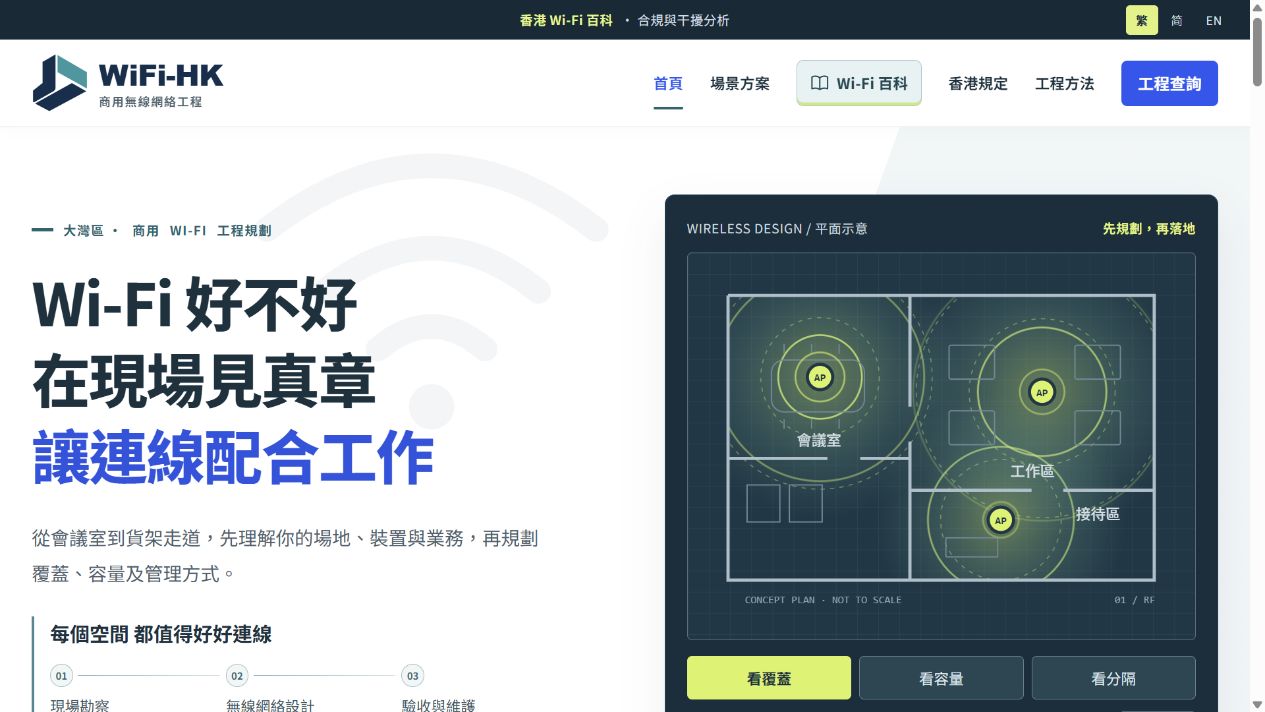
The homepage routes visitors through six venue types, using meetings, scanning and guest access to connect familiar operational needs with planning priorities.











Search directly for a brand, or explore the options below.
Choose a category, then expand the services you need.
Website case study · Commercial Wi-Fi · Engineering website
WiFi-HK
Use venue categories, an interactive floor plan and a Wi-Fi knowledge base to explain coverage, capacity and separation, leading to project enquiries.
01 · Design and content
The following observations describe visible website information and design.
The homepage routes visitors through six venue types, using meetings, scanning and guest access to connect familiar operational needs with planning priorities.
The floor plan switches between coverage, capacity and segmentation and offers animation pause. It is clearly labelled as conceptual, not a measured heatmap.
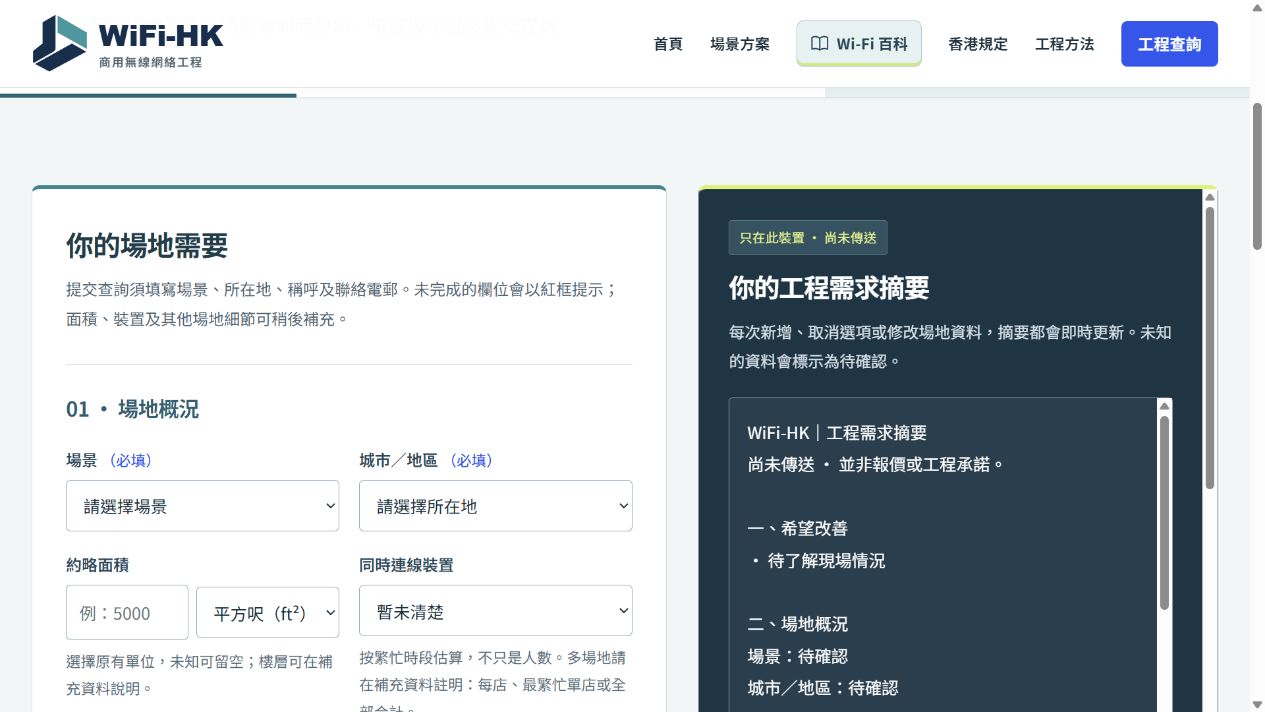
The enquiry page separates site, problems and contact details, with summaries, copying and downloads. Unknowns remain unconfirmed, and the interface distinguishes unsent drafts from submission.
02 · Enquiry journey
Choose the closest venue scenario
Explore planning through diagrams and the knowledge base
Open the enquiry page and describe the site and issues
Review the requirements summary before submitting
03 · Ongoing improvement
These are directions for further assessment, not completed work or performance promises.
Review consistency between scenario pages and form prompts, continuing mobile tests for entry, back navigation and error correction.
Retain sources and review dates for requirements, equipment and engineering information. Update broken links and distinguish concept diagrams, measurements and publishable projects.
04 · Sources
Public pages may change as websites are updated. Images are screenshots from this review.
The next step for your website
Start with the current website, services and enquiry journey to define redesign priorities together.