
Start with scenarios, then specifications
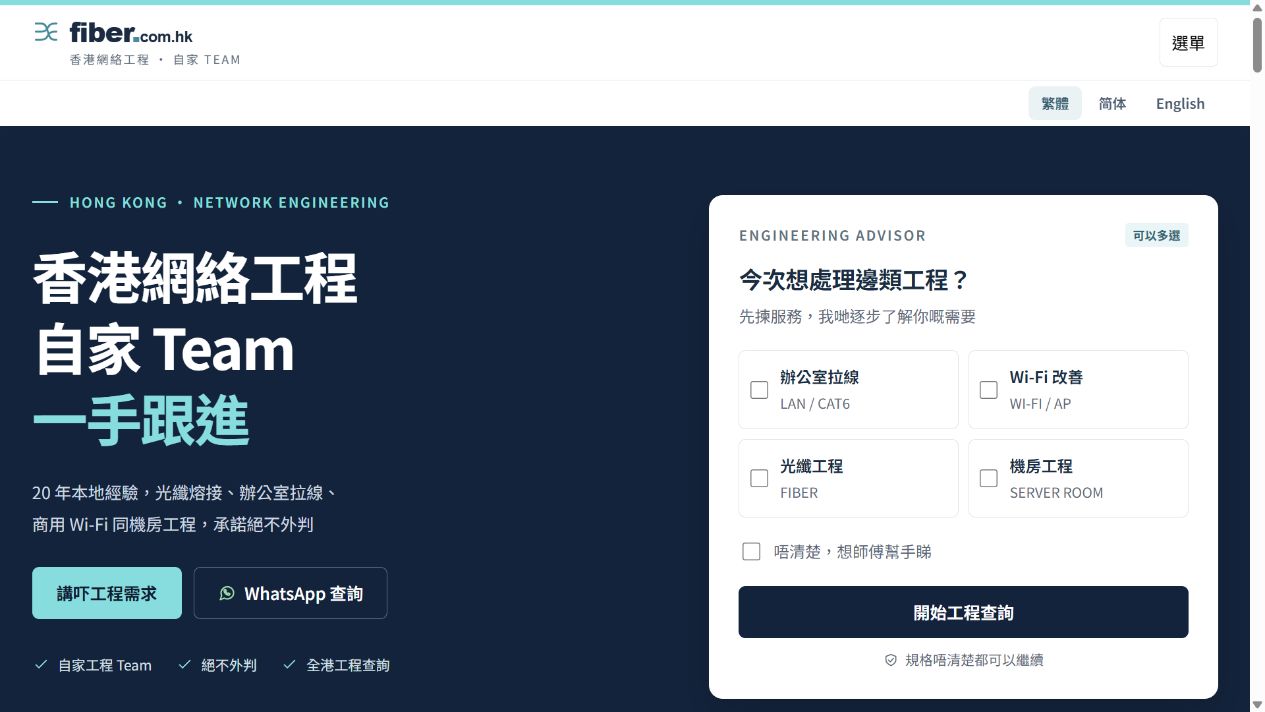
The homepage links moves, poor coverage and cable organisation to four service categories, reducing the need to understand technical terms at the outset.











Search directly for a brand, or explore the options below.
Choose a category, then expand the services you need.
Website case study · Network engineering · Service website
Fiber.com.hk
Use everyday scenarios, from office moves and Wi-Fi dead spots to connections between floors, to introduce services and build an enquiry step by step.
01 · Design and content
The following observations describe visible website information and design.
The homepage links moves, poor coverage and cable organisation to four service categories, reducing the need to understand technical terms at the outset.
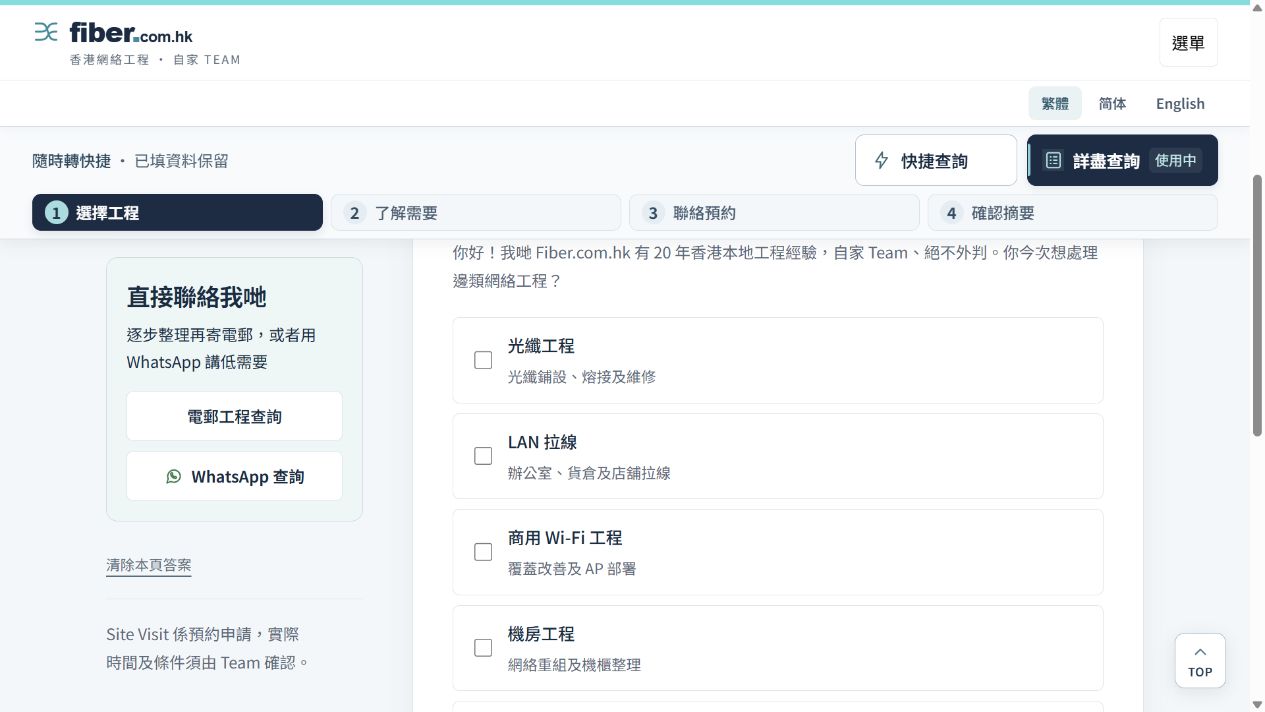
The enquiry page offers quick and detailed modes. Steps show progress and allow an unsure response, so customers can describe known needs before the team confirms specifications.
The website explains cable mapping, tests and documentation after installation. Actual project photos and illustrative scenes are labelled separately so readers understand what they show.
02 · Enquiry journey
Choose a scenario or engineering category
Select a quick or detailed enquiry
Describe the site and contact details
Review the summary for team follow-up
03 · Ongoing improvement
These are directions for further assessment, not completed work or performance promises.
Adjust quick-enquiry placement based on actual use, leave non-essential specifications for follow-up, and check back navigation and error messages.
When publishable project photos become available, add scope and handover notes linking to the relevant service. Images do not replace performance records.
04 · Sources
Public pages may change as websites are updated. Images are screenshots from this review.
The next step for your website
Start with the current website, services and enquiry journey to define redesign priorities together.