











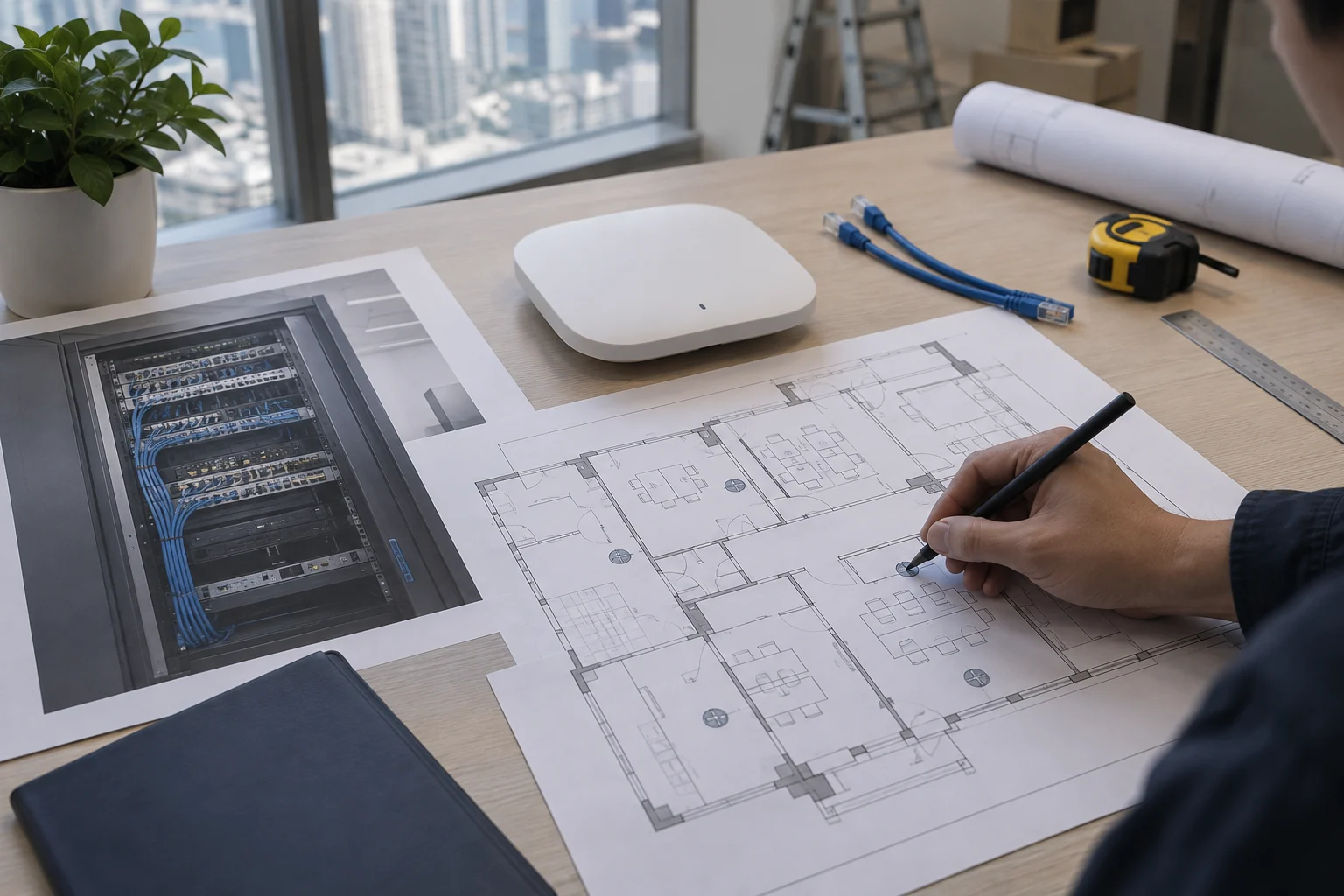
Explore suitable solutions by service need.
Choose a service below to understand scope, deployment conditions and support.
Service categories
Choose workstation and office hardware around software, computing and display requirements, with deployment and maintenance planned alongside peripherals. Historical models on this page are references; confirm current configurations and availability separately.
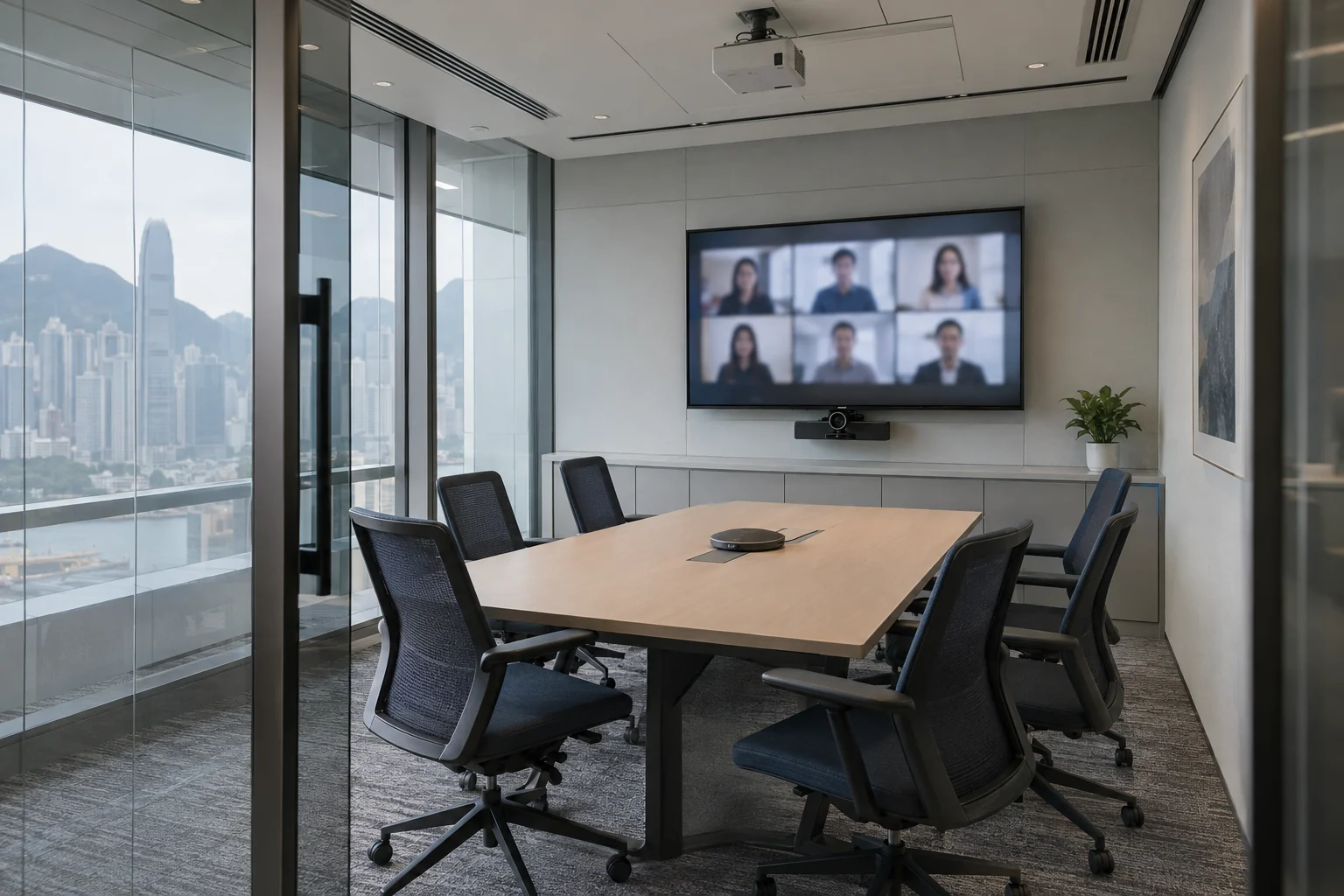
AL-Touch integrates cameras, microphones, displays and networking for video meetings, addressing unclear audio, poor pictures and difficult screen sharing. We test real meeting workflows and hand over operating guidance for everyday use.
AL-Touch provides projection for meetings, training and displays. Equipment selection considers ambient light, throw distance and image requirements, followed by installation, signal connections and tests using actual content.
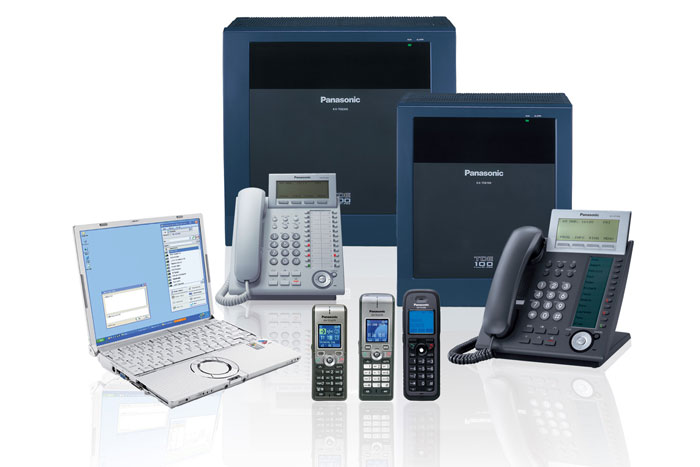
AL-Touch installs and relocates business telephone systems and IP telephony. We plan external lines, extensions, call transfers and recording, coordinating equipment, call tests and maintenance.
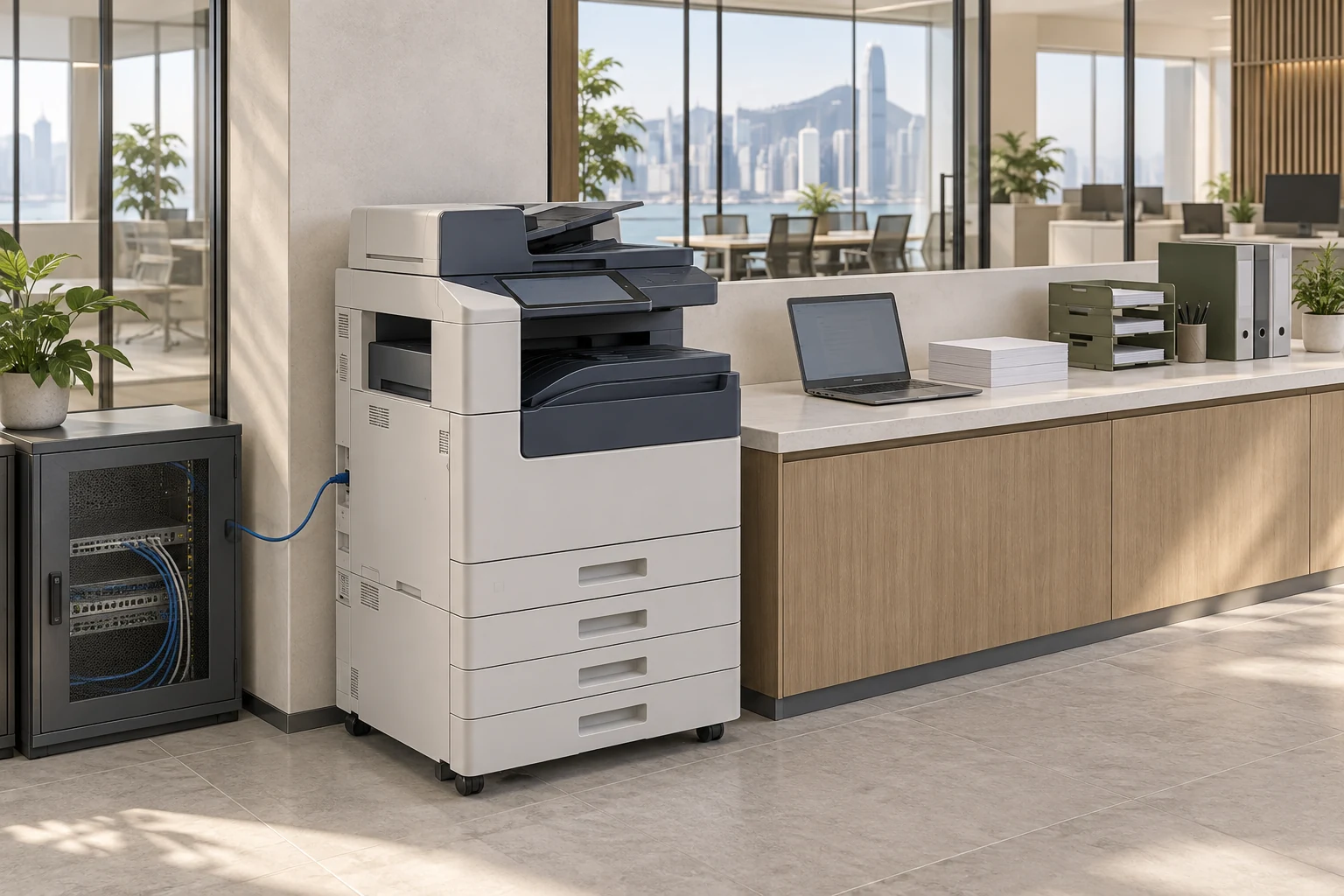
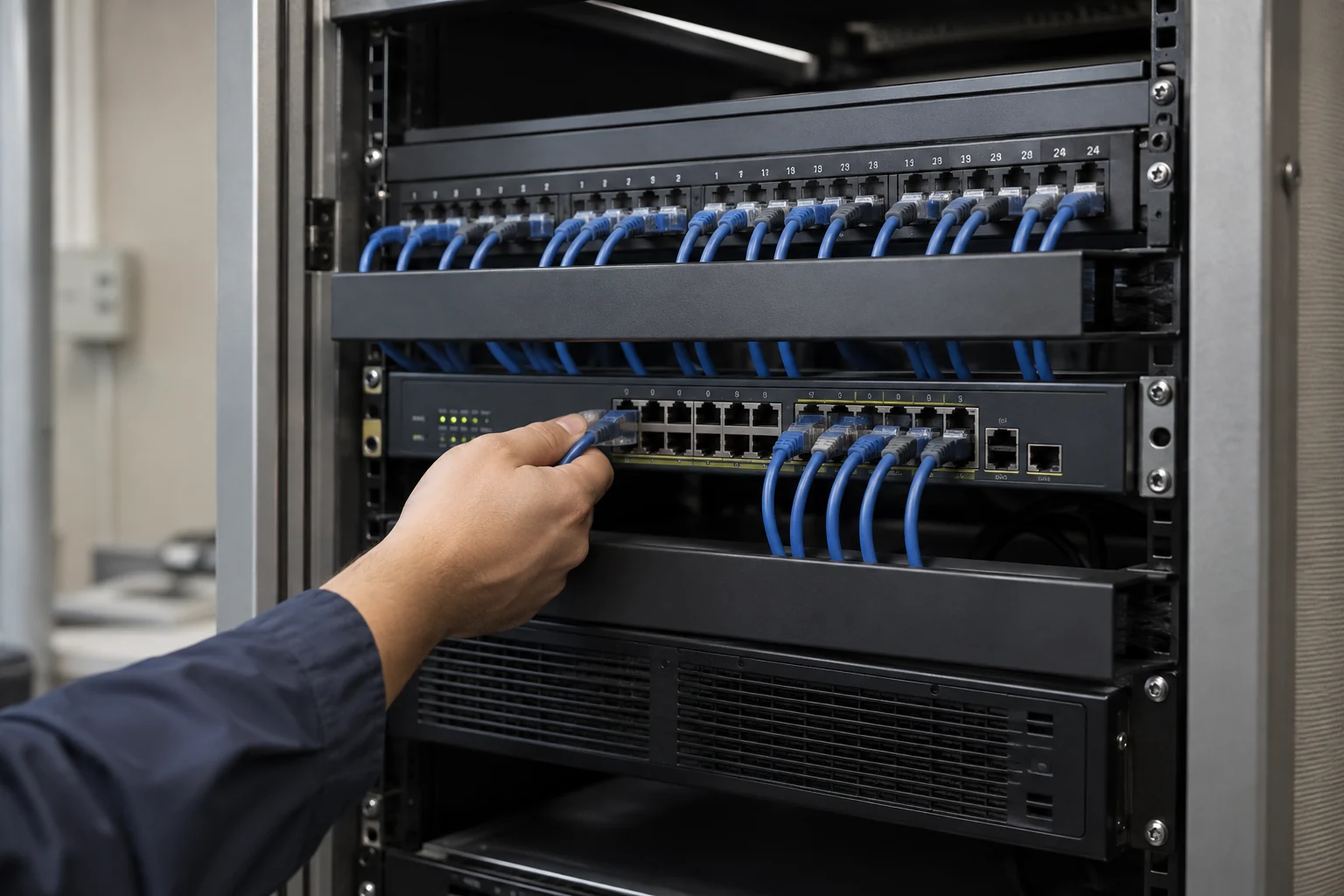
AL-Touch provides structured network cabling for additional workstations, office moves and cable upgrades. Organised racks, cable labels and test records make future troubleshooting and expansion easier.
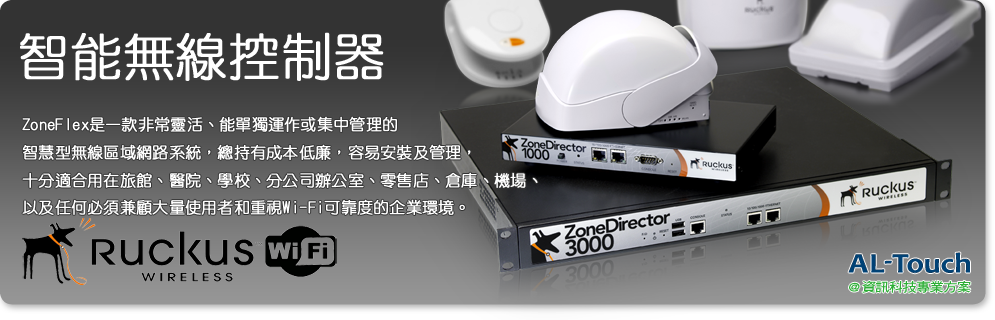
AL-Touch provides business Wi-Fi and RUCKUS configuration for coverage gaps, multiple users and guests. Site coverage and capacity tests, segmentation and management handover support everyday office connectivity.
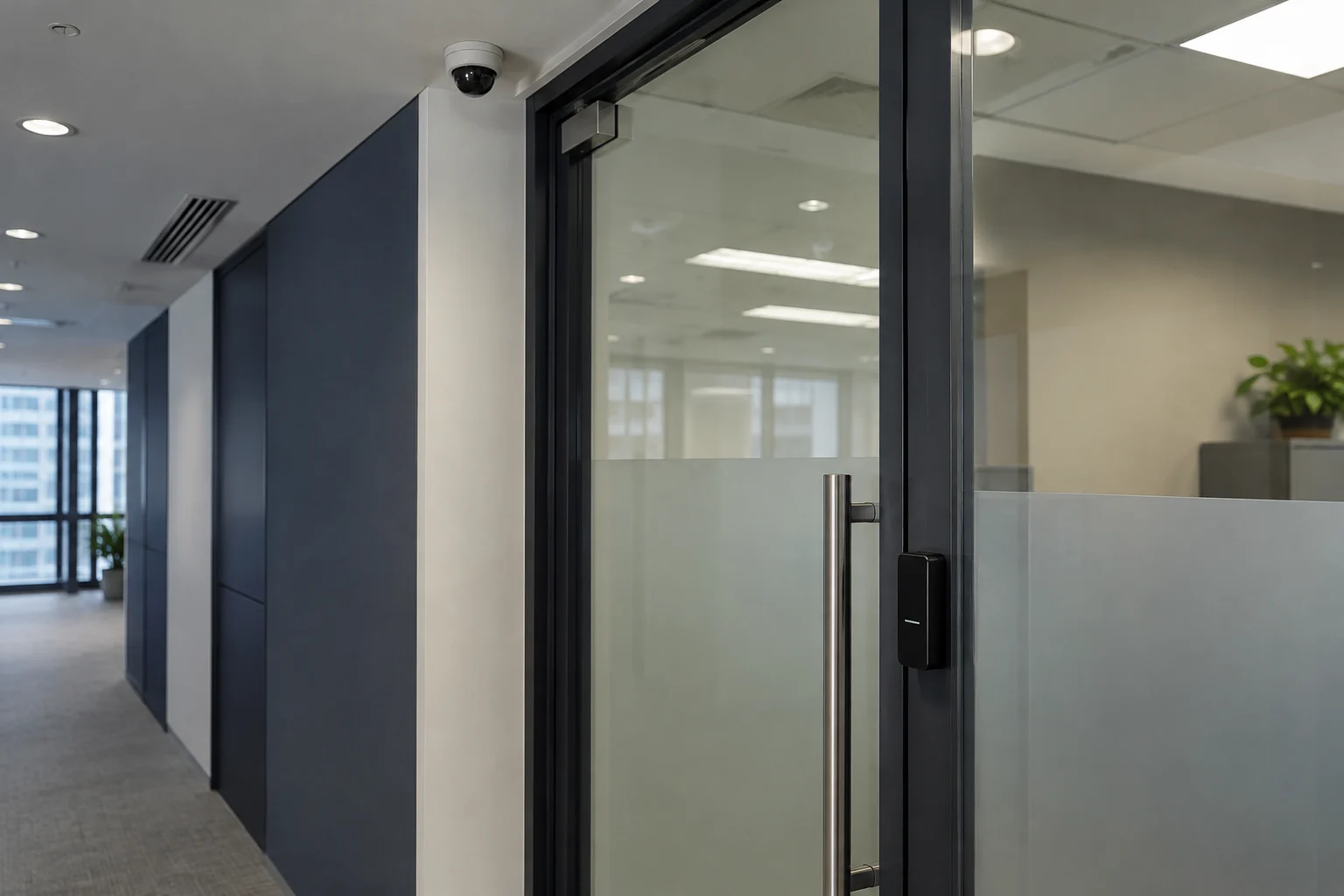
AL-Touch configures and installs CCTV for office entrances, shops and workplaces. We plan cameras, recording, storage and viewing permissions around monitoring purposes and privacy.
Choose services for your needs
Common needs
- An office move or new work area requires equipment reorganisation.
- Meeting, telephone or printing equipment is hindering collaboration.
- You want clearer network, account and operational handover arrangements across devices.
Which service do I need?
- Business telephone systems
Review business telephone and extension arrangements.
- HD video conferencing
Select equipment around meeting-room and remote-collaboration needs.
- Copiers and imaging systems
Confirm printing, scanning and current supply scope first.
- Projector solutions
Discuss site, display and connectivity requirements.
Prepare for an enquiry
- Equipment to improve and its main purpose.
- User count, room dimensions or equipment locations.
- Existing models and target replacement or installation dates.
For an initial enquiry, describe the issue and equipment only. Do not submit passwords or verification codes. The team will arrange a secure channel for sensitive documents and incident records.
Enquire about office equipment servicesCybersecurity and AI useExplore security planning, responsibilities and acceptance considerations
Cybersecurity · Safe AI use
Office equipment and meeting systems: security planning priorities
This service category includes the following security priorities; measures, tests and deliverables are specified in the proposal.
- Devices and connectionsReview network connections for phones, conferencing, projectors and copiers, separating business data from guest environments as needed.
- Management and dataDiscuss administrator accounts, firmware and stored documents, recordings or images, avoiding unnecessary remote-management interfaces.
- Handover and replacementConfirm permissions, tests and handover. Assess data erasure and account deactivation when moving, returning or replacing equipment.
AI considerationsFor AI meeting transcription, summaries, voice assistants or cloud imaging, confirm uploads, retention and viewing scope, enabling features according to actual needs.
Planning and acceptance recordsEquipment and connection inventory, administration and retention settings, user tests and handover records.