Plan equipment operation and record management together
Confirm device locations for the site while arranging accounts, record access and ongoing management responsibilities.
Purpose and positioning
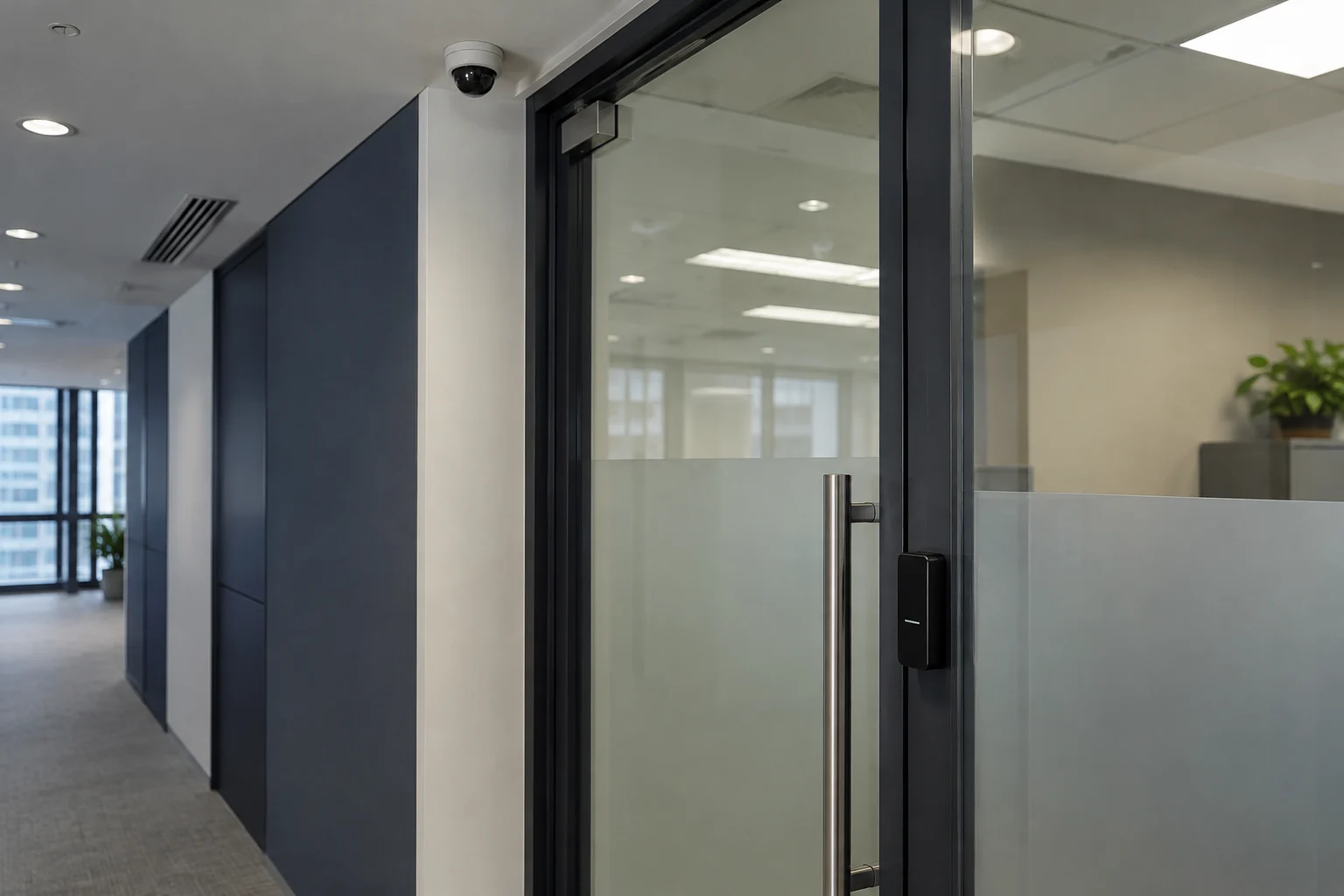
Check entrances, monitoring positions and intended uses, recording device quantities, cabling and installation conditions.
Delivery essentialsLocations, equipment and installation scopeFeatures and permissions
Configure operational and viewing permissions within device capabilities, testing normal use, record access and agreed fault procedures.
Delivery essentialsConfiguration and scenario-test recordsRecords and management handover
Define responsibilities for retention, export and deletion, with account and access handover when personnel change.
Delivery essentialsManagement checklist and operational handover
Handover checks
- Device locations and purposes match the agreed scope.
- Designated staff manage operation, viewing and export permissions.
- Retention, updates and account deactivation are specified.
Features, retention capacity and integrations depend on configuration. The organisation sets policies for personal data, notices and use according to applicable requirements.
Monitoring and recording
Configure entrance monitoring and recording according to location, lighting and purpose. Water and dust resistance depend on the camera's IP protection rating.
Images and evidential use
Test picture quality, timestamps and export methods for the intended use. Consult current police guidance on digital imagery and applicable employee-monitoring and CCTV privacy requirements.
Network cameras and privacy
Manage camera accounts, firmware, remote connections and viewing permissions together. The business should define retention and notices according to purpose. Information about China's digital television industry and product news from 2004 is historical, not current service or equipment specifications.
Configure CCTV around its purpose and privacy requirements
Confirm monitoring purposes, camera positions, lighting and recording needs before choosing equipment and storage. Define access rights, retention and suitable notices, and test pictures, timestamps and exports. Review network-camera accounts, firmware and remote access so physical monitoring and system security are managed together.
Information and references
Suitability and enquiry preparation
When is this service suitable?
Common needs
- You need visibility of a shop, entrance or specific work area.
- Current image quality, recording or viewing methods do not meet your needs.
- Camera or recorder replacement is an opportunity to review retention and permissions.
Which service do I need?
- Access control and attendance systems
Confirm practical access and attendance management needs first.
- CCTV surveillance
Discuss configuration around camera positions and viewing purposes.
- Network cabling
Coordinate installation positions and network connections.
Prepare for an enquiry
- Overview of device counts, entrances or monitoring locations.
- Purpose and approximate record retention period.
- Roles permitted to view records and target installation date.
For an initial enquiry, describe the issue and equipment only. Do not submit passwords or verification codes. The team will arrange a secure channel for sensitive documents and incident records.
Enquire about CCTV surveillanceCybersecurity and AI useExplore security planning, responsibilities and acceptance considerations
Cybersecurity · Safe AI use
Access control, attendance and CCTV: security planning priorities
「CCTV system planning and installation」 includes the following security priorities; measures, tests and deliverables are specified in the proposal.
- Physical and network protectionConfirm device locations, cabling and management access, planning physical protection and network separation for the site.
- Viewing and retentionDefine viewing, export, retention and deletion responsibilities for images, access logs and attendance records according to business use.
- Acceptance and maintenanceDiscuss permission changes, device faults and alert handling, including administrator accounts and operation tests in the handover.
AI considerationsFor AI video analytics, recognition or cloud management, confirm purpose, data destinations and human review. Verify product capabilities and applicability separately.
Planning and acceptance recordsDevice-location and network diagrams, viewing and retention permissions, operation tests and maintenance responsibilities.
You may also want to know
What should we provide if we only want to monitor our office entrance?
Explain purpose, location, lighting, recording and viewing needs to discuss cameras and storage. Plan retention, notices and access together, then test pictures, timestamps and export methods after installation.
Can all CCTV recordings be kept indefinitely after installation?
Set retention and access arrangements according to purpose and applicable privacy requirements, and review them regularly.