Equipment connections and real meeting tests
Plan around the room, participants and staff devices so presentations, meetings and everyday use are easy to take over.
Site and equipment fit
Check room, display, sound and connectivity needs, including compatibility with current devices and meeting platforms.
Delivery essentialsEquipment, positions and connections listInstallation and user testing
Cable and configure the agreed setup, testing common computers, presentations and meeting scenarios.
Delivery essentialsConnection settings and practical operation testsOperation and management handover
Document power controls, input switching, sign-in and common issues, with named equipment and platform administrators.
Delivery essentialsOperating guidance and support responsibilities
Handover checks
- Common devices can complete the planned presentation or meeting workflow.
- Required accounts, platform licences and update responsibilities are clear.
- On-site staff understand operation and fault reporting.
Equipment features, installation conditions, meeting platforms and third-party licences are specified in the agreed plan.
Meeting features and configuration
- HD video and multi-party meetings
- Multiple displays
- Screen sharing and live notes
- Participant video and activity identification
- Testing before reusing existing projection equipment
Brands and system combinations
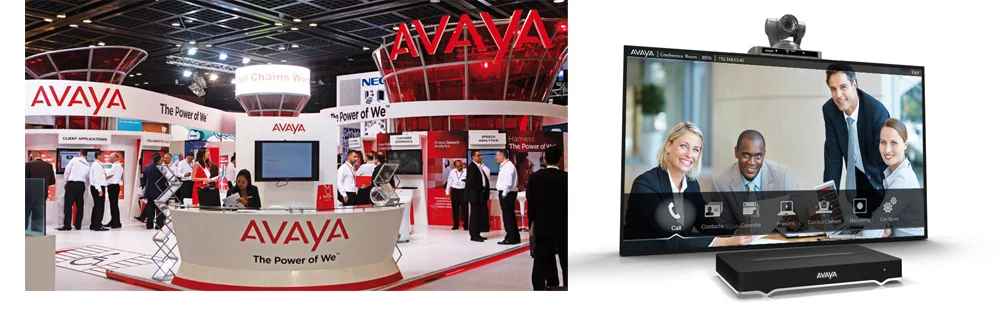
- Avaya endpoints, network infrastructure and management software confirmed by model
- Cisco conferencing systems assessed against available products and platforms
- Deployment requirements for meeting rooms, desktops and personal devices
Acceptance and everyday use
Test joining meetings, audio, sharing and notifications, and review recording, account and guest permissions. Participant limits, functions and licences depend on the selected current plan.
Test conferencing against the room and real workflows
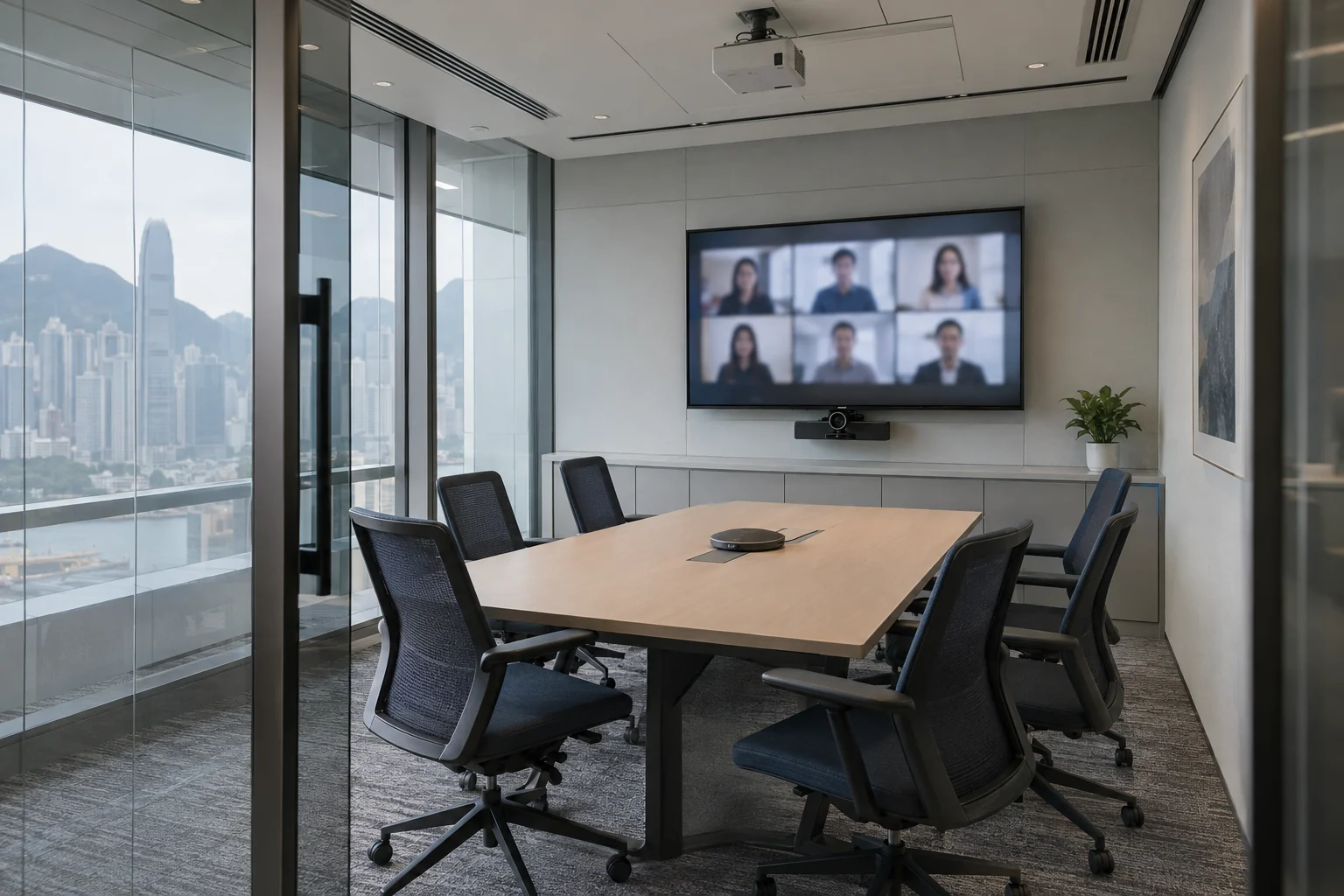
Choose endpoints, displays and network settings according to room size, participation methods, camera coverage and audio needs. Review existing projectors and meeting platforms, then test sharing, multiple participants and daily operation. Confirm permissions and retention for recordings, accounts and guests rather than selecting solely by participant count.
Information and references
Suitability and enquiry preparation
When is this service suitable?
Common needs
- Poor audio or limited camera coverage disrupts discussions.
- Customers and remote colleagues need to meet together, but current equipment is difficult to use.
- A new meeting room needs convenient connections and operation.
Which service do I need?
- HD video conferencing
Discuss audio, cameras and displays around the room and usage.
- Projector solutions
For a larger display, assess the site and connections separately.
- Business Wi-Fi
Review meeting-room and guest network needs.
Prepare for an enquiry
- Meeting-room dimensions and approximate participant count.
- Usual platforms and existing cameras, microphones and displays.
- Main problems and target installation or improvement date.
For an initial enquiry, describe the issue and equipment only. Do not submit passwords or verification codes. The team will arrange a secure channel for sensitive documents and incident records.
Enquire about video conferencingCybersecurity and AI useExplore security planning, responsibilities and acceptance considerations
Cybersecurity · Safe AI use
Office equipment and meeting systems: security planning priorities
「HD video conferencing」 includes the following security priorities; measures, tests and deliverables are specified in the proposal.
- Devices and connectionsReview network connections for phones, conferencing, projectors and copiers, separating business data from guest environments as needed.
- Management and dataDiscuss administrator accounts, firmware and stored documents, recordings or images, avoiding unnecessary remote-management interfaces.
- Handover and replacementConfirm permissions, tests and handover. Assess data erasure and account deactivation when moving, returning or replacing equipment.
AI considerationsFor AI meeting transcription, summaries, voice assistants or cloud imaging, confirm uploads, retention and viewing scope, enabling features according to actual needs.
Planning and acceptance recordsEquipment and connection inventory, administration and retention settings, user tests and handover records.
You may also want to know
Can we retain our projector and meeting platform while improving the room?
Provide room dimensions, equipment models, the platform and common problems. Assess reusable equipment, then compare audio, camera, display and network improvements, using actual meeting workflows for acceptance.
Can an existing projector work directly with a new conferencing solution?
Check interfaces, resolution and platform configuration, then confirm reuse through onsite testing.