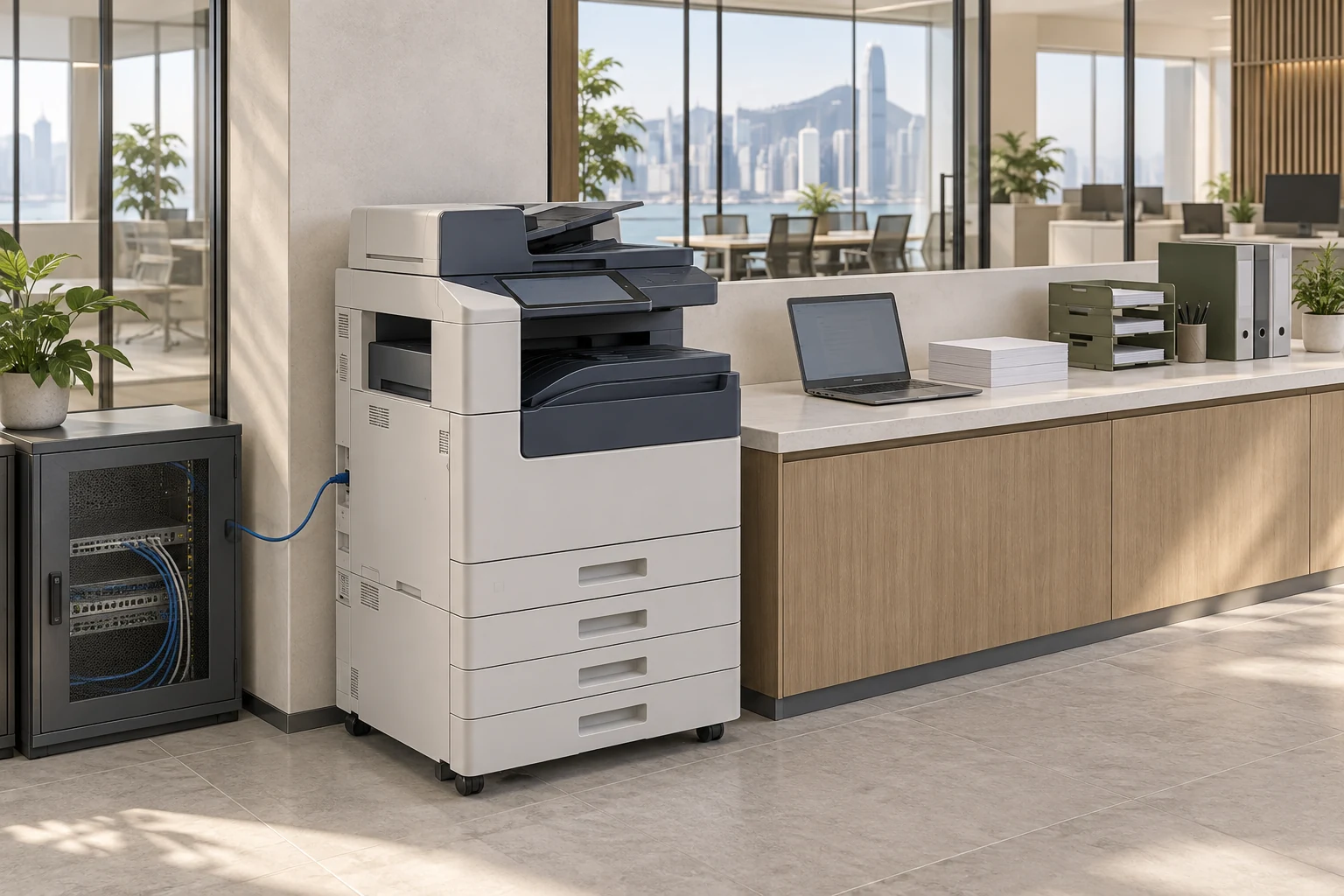
From equipment selection to everyday printing and scanning
For new offices, more staff or replacement equipment, start with everyday documents and plan devices, computers, networking and access together.
Select equipment for the workload
Review print volume, colour needs, paper sizes, duplexing and scanning, then compare configurations and whether existing equipment can remain.
Delivery essentialsPurpose, configuration and equipment-connection listInstallation and network connections
Check positioning, power and network points; configure connections and IP addresses and verify access from staff computers and networks.
Delivery essentialsEquipment connections and installation settingsPrinting and scanning configuration
Configure supported drivers, trays, duplexing and scan destinations, then test common documents and staff workflows.
Delivery essentialsPrint settings, scan destinations and test resultsDocument and administrator permissions
Organise scan-folder permissions, administrator accounts and updates. Where supported, assess secure printing, collection authentication and stored-data removal.
Delivery essentialsAccounts, access and equipment-management settingsOperational handover and daily follow-up
Explain basic operation, common errors and fault-reporting details to designated staff, separating IT settings, consumables, mechanical repairs and supplier responsibilities.
Delivery essentialsOperating instructions, contacts and support responsibilities
Handover acceptance checks
- Common computers can print with suitable paper, duplex and colour settings.
- Scans reach the intended destination; unauthorised accounts cannot read them.
- Administrator access is handed over and default passwords and updates reviewed.
- Consumables, repairs, rental or purchase terms and IT support are listed separately.
Brands, models, supply, rental or purchase, consumables and mechanical repairs follow the formal quotation. Scan-to-email, cloud or folder and secure-print functions depend on device and platform support.
Information and references
Suitability and enquiry preparation
When is this service suitable?
Common needs
- Frequent printing or scanning problems affect administration.
- More staff or work areas require equipment and network assessment.
- Document scanning, storage or collection permissions need organising.
Which service do I need?
- Copiers and imaging systems
Confirm current equipment and service scope with the team.
- Network cabling
Coordinate equipment locations and connections.
- Business computer maintenance
Handle everyday computer and print-configuration needs.
Prepare for an enquiry
- Main printing and scanning purposes and approximate volumes.
- Existing models, locations and common issues.
- User count and target adjustment or replacement date.
For an initial enquiry, describe the issue and equipment only. Do not submit passwords or verification codes. The team will arrange a secure channel for sensitive documents and incident records.
Enquire about copiers and imaging systemsCybersecurity and AI useExplore security planning, responsibilities and acceptance considerations
Cybersecurity · Safe AI use
Office equipment and meeting systems: security planning priorities
「Copiers and imaging systems」 includes the following security priorities; measures, tests and deliverables are specified in the proposal.
- Devices and connectionsReview network connections for phones, conferencing, projectors and copiers, separating business data from guest environments as needed.
- Management and dataDiscuss administrator accounts, firmware and stored documents, recordings or images, avoiding unnecessary remote-management interfaces.
- Handover and replacementConfirm permissions, tests and handover. Assess data erasure and account deactivation when moving, returning or replacing equipment.
AI considerationsFor AI meeting transcription, summaries, voice assistants or cloud imaging, confirm uploads, retention and viewing scope, enabling features according to actual needs.
Planning and acceptance recordsEquipment and connection inventory, administration and retention settings, user tests and handover records.